Best Zigbee sensors for Home Assistant
Local-first sensor picks for Home Assistant: Zigbee motion, contact, leak, presence and climate sensors, plus Z-Wave window sensors with long battery life.
On this page
- Quick verdict
- Why Zigbee sensors are a strong local-first choice
- Best motion sensor: Third Reality Motion Sensor
- Best contact sensor: Third Reality Door Sensor
- Best leak sensor value: Third Reality Water Leak Sensor
- Best presence sensor upgrade: Aqara FP1E
- Best environment sensor option: Aqara Climate Sensor W100
- Cheap Zigbee sensors for jobs the starter stack misses
- Z-Wave and other local sensors
- Setup notes for Home Assistant
Amazon links are affiliate links: as an Amazon Associate I earn from qualifying purchases, at no extra cost to you. Links to makers' own stores and other retailers are plain links that earn me nothing.
Sensors are where Zigbee pays for itself fastest in a Home Assistant setup built around local control.
A good Zigbee sensor network gives you the real inputs that make automations useful: motion in a hallway, a leak under the sink, a door left open, humidity spikes in a bathroom, or occupancy in a room that should stay lit while someone is still there.
This guide focuses on practical sensor picks that work well in local-first setups, not cloud dashboards and notification spam.
Quick verdict
For most Home Assistant users, Zigbee is still the easiest way to deploy lots of battery-powered sensors without relying on vendor clouds.
If you want a short starter stack, buy:
- one reliable motion sensor for lighting automations
- one contact sensor for doors/windows
- one leak sensor for water-risk areas
- one mmWave presence sensor for your most-used room
The best first buys in this list are the Third Reality Motion Sensor for motion, the Third Reality Door Sensor for doors and windows, the Third Reality Water Leak Sensor for leak value, and the Aqara FP1E as the presence upgrade.
Of these, the FP1E is the one I run in my own house (along with the SONOFF SNZB-06P further down). I haven’t run the three Third Reality sensors; those picks rest on the spec sheets and other owners’ write-ups.
Why Zigbee sensors are a strong local-first choice
Zigbee sensors are typically affordable, low-power, and easy to spread across a home. In Home Assistant, they are also mature: you can run them through ZHA or Zigbee2MQTT and keep core automations working even when your internet connection drops.
You still need a solid coordinator and a healthy mesh. Battery sensors do not relay traffic, so add a few mains-powered Zigbee devices (plugs, bulbs, or in-wall relays) to stabilize coverage. Most mains-powered Zigbee devices route for their neighbors, but not all of them do: low-power no-neutral switches such as the SONOFF ZBMINI-L2 stay end devices and will not extend your mesh. Do that early and your automations will feel much more reliable.
Best motion sensor: Third Reality Motion Sensor
The Third Reality Motion Sensor is a practical default recommendation for basic occupancy-triggered automations.
Why it stands out:
- fast enough reporting for lights and occupancy cues
- good value when you need several units
- straightforward Home Assistant behavior for common use cases
Start with hallways, laundry, and garage entry paths. These locations produce immediate quality-of-life gains and are easy to verify.
Best contact sensor: Third Reality Door Sensor
The Third Reality Door Sensor is a strong low-friction option for entry and window state.
Where it helps most:
- door-left-open alerts tied to time windows
- HVAC efficiency automations when windows are open
- security routines that do not depend on cloud arming logic
Contact sensors seem simple, but they are foundational for dependable local automations.
For contact sensing in Europe, the frient Entry Sensor 2 Pro is a well-made Zigbee door and window sensor that pairs to ZHA or Zigbee2MQTT and stays entirely local.
Best leak sensor value: Third Reality Water Leak Sensor
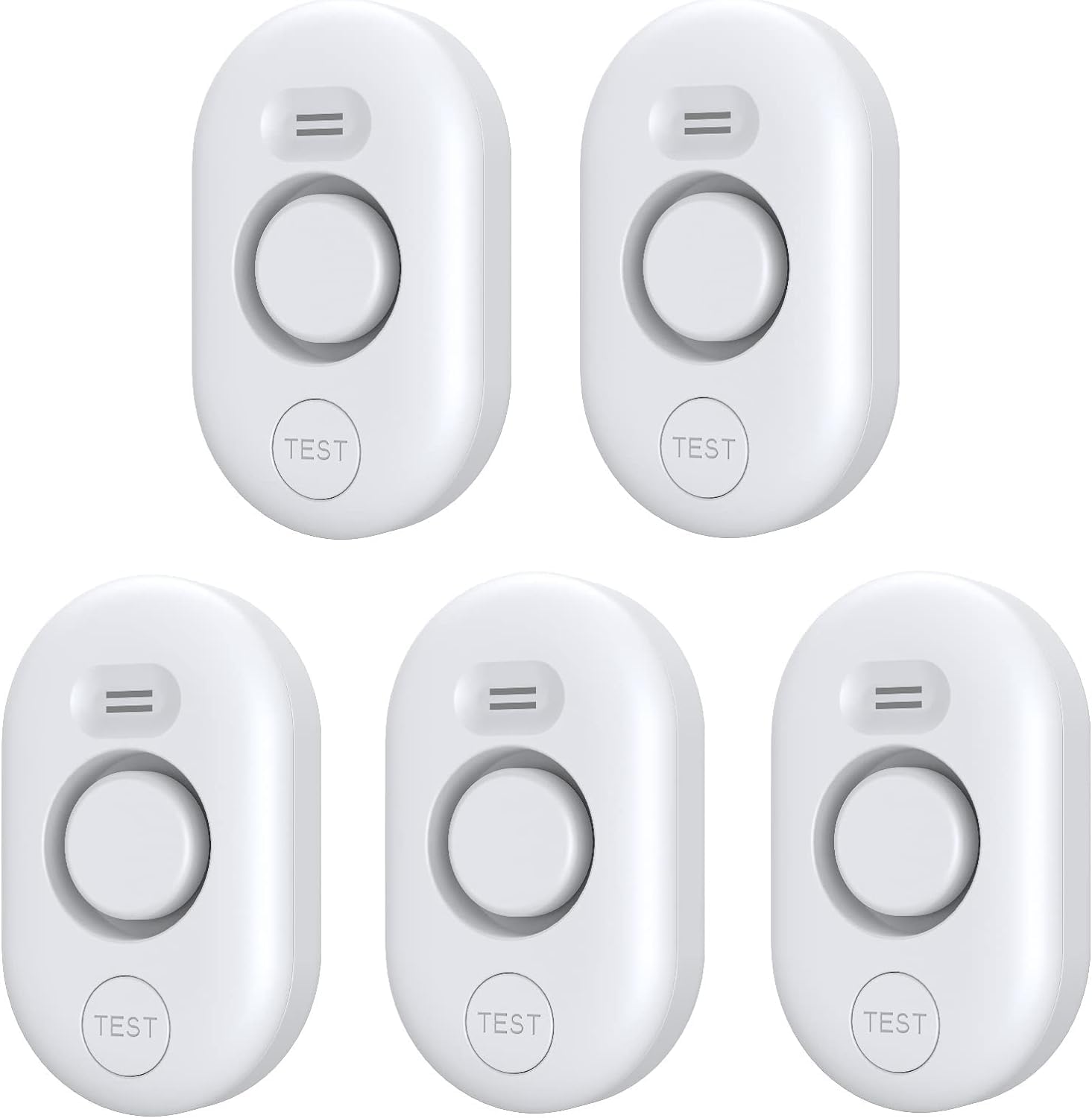
If you only buy one class of sensor after motion and presence, buy water leak sensors. Water detection pays for itself faster than almost anything else in a smart home: leak sensors prevent real damage, and they don’t require clever automations to justify themselves. The Third Reality Water Leak Sensor is an easy recommendation for broad coverage at reasonable cost, cheap enough to scatter around the house. It also carries a 120 dB alarm in the sensor itself, so a leak makes noise even if your hub is down or your internet is out.
Good placement targets:
- under sinks and behind toilets
- near water heaters and washing machines
- around utility closets or sump areas
Don’t buy exactly one leak sensor. Buy them in multiples and place them anywhere water might quietly ruin your week.
The limitation is simple: it detects leaks. It doesn’t shut water off by itself. That is still fine: an alert while the puddle is small is most of the value. Pair leak alerts with escalating local actions in Home Assistant (sirens, repeated announcements, and optional shutoff valves if your setup supports them).
Best presence sensor upgrade: Aqara FP1E
If motion-based lighting keeps turning off while someone is still in the room, add mmWave presence detection. The Aqara FP1E is a strong upgrade path for local occupancy workflows, and it’s the presence sensor I run myself.
What it adds:
- detects micro-movement better than standard PIR sensors
- reduces false “room empty” events in offices and living rooms
- enables smarter lighting and HVAC hold logic
Use presence sensors where people sit still: desks, media rooms, and bedrooms.
Best environment sensor option: Aqara Climate Sensor W100
For temperature and humidity telemetry, the Aqara Climate Sensor W100 is a useful local data source, with one buying caveat that catches people out. It is a dual-protocol device: it runs either Zigbee 3.0 or Thread, never both at once, and it ships in Thread firmware. Out of the box it will not join ZHA or Zigbee2MQTT at all. Switching it to Zigbee is a one-time step in the Aqara Home app, after which it runs fully local on your own coordinator, with no Aqara hub and no Aqara account in the loop.
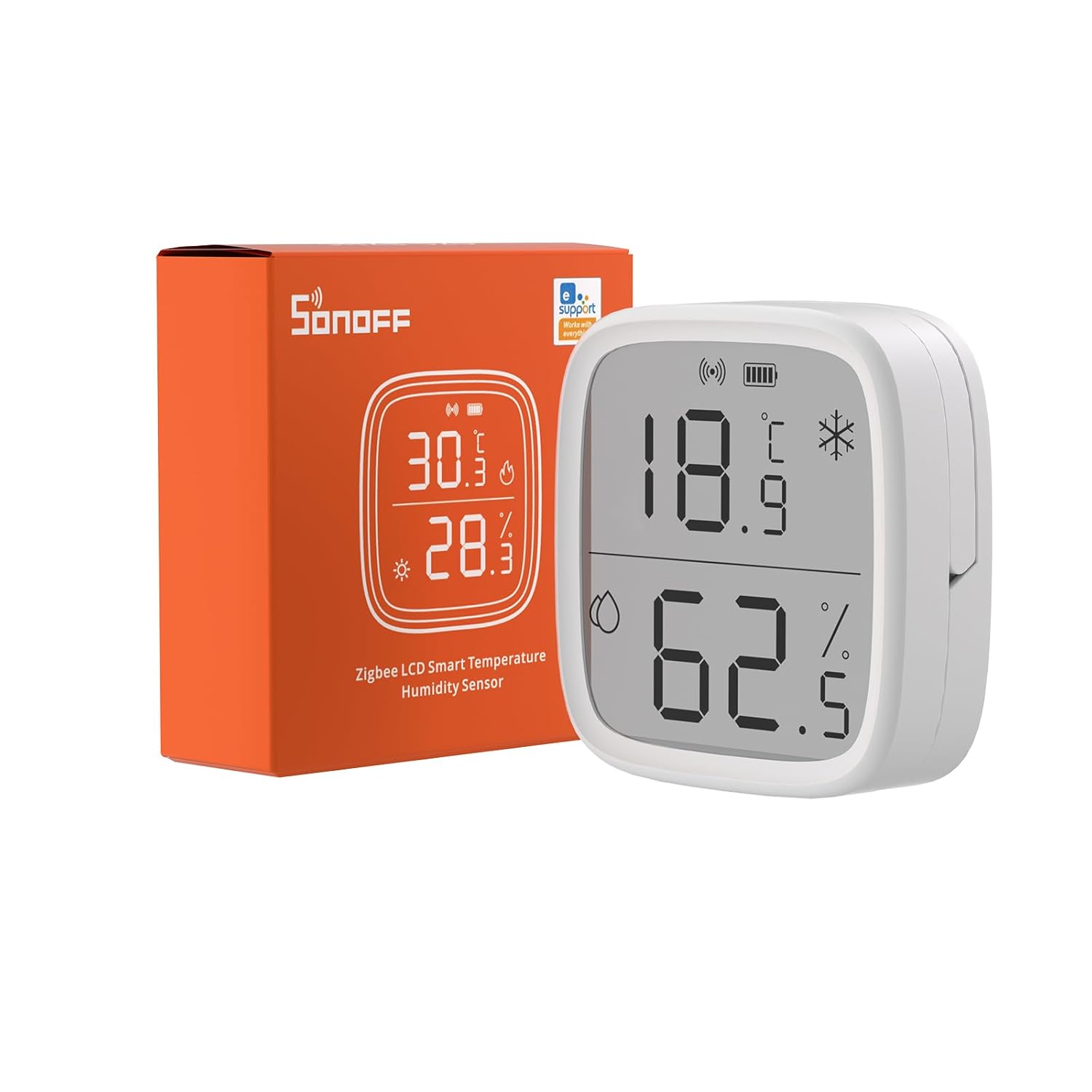
For room temperature and humidity without spending much, the SONOFF SNZB-02D is the easy value play: fully local Zigbee support, a built-in display so the data is visible without opening an app, and a price low enough to place one in bedrooms, nurseries, offices, and utility spaces. I haven’t run the SNZB-02D myself; the Aqara Temperature and Humidity Sensor does that job in my house, and this pick rests on the spec sheet and what I’ve read from people who own one. Aqara and Sonoff price and build these small sensors very differently, and Shelly comes at some of the same jobs over Wi-Fi and Bluetooth instead of Zigbee. Shelly vs Sonoff vs Aqara lays out where each one wins.
Practical automation examples:
- bathroom fan triggers on humidity thresholds
- comfort alerts for nursery or office conditions
- HVAC helper automations using room-level measurements
Environmental sensors are less dramatic than security devices, but they make local automations feel precise instead of generic. Note that the W100 stops at temperature and humidity: CO₂, PM2.5 and VOC come from a separate class of device, and the roundup of air quality sensors for Home Assistant covers the local-first options, Zigbee ones included.
Cheap Zigbee sensors for jobs the starter stack misses
Once motion, contact, leak and climate are covered, Zigbee gets interesting, because the sensors are cheap enough to be worth buying for one narrow problem.
Vibration. The ThirdReality Vibration Sensor and the Aqara Vibration Sensor both detect vibration and tilt over Zigbee and pair through ZHA or Zigbee2MQTT with no vendor hub. The usual job is knowing when a washer or dryer cycle has finished. Aqara’s unit is an accelerometer that also reports drop events, though some of its angle and accelerometer values are exposed inconsistently depending on your Zigbee stack version, so build the automation on the vibration trigger rather than on the finer readings.
Soil moisture. The ThirdReality Smart Soil Moisture Sensor reports moisture and temperature straight into Home Assistant over Zigbee, which lets you water a garden bed or a planter on measured conditions instead of a fixed schedule. It is cheap enough to put one in each zone.
Occupancy on a budget. If the FP1E is more sensor than you want to pay for in every room, the SONOFF SNZB-06P brings mmWave occupancy detection to the budget tier over plain Zigbee. I run one of these too and rated it 4/5. It holds “occupied” for someone sitting still, which is the point of moving past PIR at all, but it has no zone configuration, so treat it as a room-level presence sensor rather than an FP2 substitute. For the options that sit outside Zigbee, including the Wi-Fi and Thread radars, see the best mmWave presence sensors for Home Assistant.
Temperature without the display. The ThirdReality Temperature Sensor Lite is the stripped-down option: temperature and humidity over Zigbee, no screen, on easy-to-stock AAA batteries instead of coin cells. At about $20 it is no longer the price leader - the SONOFF SNZB-02D lists for less even with an LCD - so pick it for the simplicity and the AAA cells, not the savings.
Z-Wave and other local sensors
On the Z-Wave side, the Aeotec TriSensor 8 (ZWA045) puts motion, temperature and light level in one small CR123A-powered body, on 800-series silicon with SmartStart onboarding, S2 security and Z-Wave Long Range. There is no humidity sensor, and heavy reporting shortens battery life, but it is a tidy way to cover a room with a single device on Z-Wave JS.
Z-Wave window sensors with long battery life
Z-Wave is a solid choice for window and door contact sensors in a local-first house: it runs entirely on your own hardware, with no cloud account required. The catch is maintenance. A sensor stuck on a hard-to-reach window is only worth it if you’re not changing batteries every year. For the longest hands-off life, pick the Sensative Strips Guard 800 and accept that it’s disposable at end of life. For a replaceable battery with a multi-year interval, the Aeotec Door / Window Sensor 7 is the most balanced pick. On a budget, the Zooz ZSE41 is cheap and easy to maintain even though its coin cell needs more frequent swaps. I haven’t run any of these five sensors; the picks rest on the manufacturers’ battery ratings and what people running them in Home Assistant report.
A Z-Wave contact sensor is a simple magnetic reed switch: one part on the window frame, a magnet on the sash. When the gap opens, the sensor wakes up and reports the change to your hub. To use these with Home Assistant you need a Z-Wave controller plugged into your server, running through the Z-Wave JS integration: the Home Assistant Connect ZWA-2 or a Zooz 800-series USB stick (see how to pick a Z-Wave controller in 2026). Once the integration sees your stick, you pair sensors directly to it.
A few facts worth being clear about. These are Z-Wave devices, not HomeKit-native: they reach Home Assistant through Z-Wave JS, not through Apple’s ecosystem, and while you can expose them to HomeKit afterward from Home Assistant, the sensor itself doesn’t speak HomeKit. Battery-powered contact sensors do not repeat the Z-Wave mesh; only mains-powered Z-Wave devices act as routers, so if you have coverage gaps, fix them with a mains-powered plug or switch, not by adding more battery sensors. And modern silicon is 500, 700, or 800 series, with the 700 and 800 series being the current generations and what you want for the best range and power efficiency.
Sensative Strips Guard 800
If battery life is your single highest priority, the Sensative Strips Guard 800 is the standout. It’s an ultra-thin (about 3mm) Z-Wave 800 strip with a sealed, non-replaceable battery rated for up to 10 years. The thin form factor lets it hide inside the window frame gap, and it’s rated for outdoor use. The caveat: that 10-year figure is a best case, and real-world results vary with temperature and reporting frequency. Because the battery isn’t replaceable, the whole unit is disposable at end of life.
Zooz ZSE41 Open | Close (700 / 800LR)
The Zooz ZSE41 is a small, inexpensive open/close sensor available in a 700-series version and an 800-series Long Range version (ZSE41 800LR). It runs on a single CR2032 coin cell. Battery life is more modest here, roughly a year or so of typical use, and Zooz recommends Energizer, Panasonic, or Maxell cells (avoid Duracell, whose coating can prevent good contact). It’s a good budget pick where the coin cell’s easy, cheap replacement offsets the shorter interval.
Aeotec Door / Window Sensor 7
The Aeotec Door / Window Sensor 7 (model ZWA011) is a 700-series contact sensor powered by a 1/2 AA (ER14250) lithium cell, rated for about 3 years at five open and five close events a day with wakeup reports disabled. Check the model number before you order: Aeotec also sold a 500-series sensor under the same Door / Window Sensor 7 name (ZWA008), and old listings for it are still in circulation. The half-AA chemistry gives it a longer interval than coin-cell sensors while keeping a replaceable battery. There’s also a Pro variant (ZWA012) that adds a dry-contact binary input and tilt detection.
Ecolink Door/Window Sensor (DWZWAVE2.5)
The Ecolink DWZWAVE2.5 is a long-standing, no-frills Z-Wave Plus contact sensor. It uses a CR123A lithium battery rated for up to about 3 years. It’s bulkier than the others here, but it’s reliable, widely available, and the CR123A is easy to source. A good choice when you want something proven and don’t mind the larger housing.
Fibaro Door/Window Sensor 2 (FGDW-002)
The Fibaro Door/Window Sensor 2 is a compact Z-Wave Plus sensor with a built-in temperature sensor, powered by an ER14250 (1/2 AA) cell rated for roughly 2 years. Battery life is the shortest in this group, but the built-in temperature reading and small size make it appealing if you want one device doing double duty per window.
Battery life isn’t the only thing that matters. The longest-lived option, the Sensative Strips Guard 800, trades a replaceable battery for that decade-long rating, so when it dies you replace the whole sensor. Coin-cell sensors like the Zooz ZSE41 need new cells more often, but those cells are cheap and take seconds to swap. The Aeotec and Ecolink land in the middle with multi-year lithium cells you can replace. Whatever you pick, remember the mesh caveat: these battery sensors don’t extend Z-Wave range. If a sensor pairs poorly or drops off, add a mains-powered Z-Wave device nearby to act as a router rather than blaming the sensor.
Thread, Bluetooth and Wi-Fi sensors
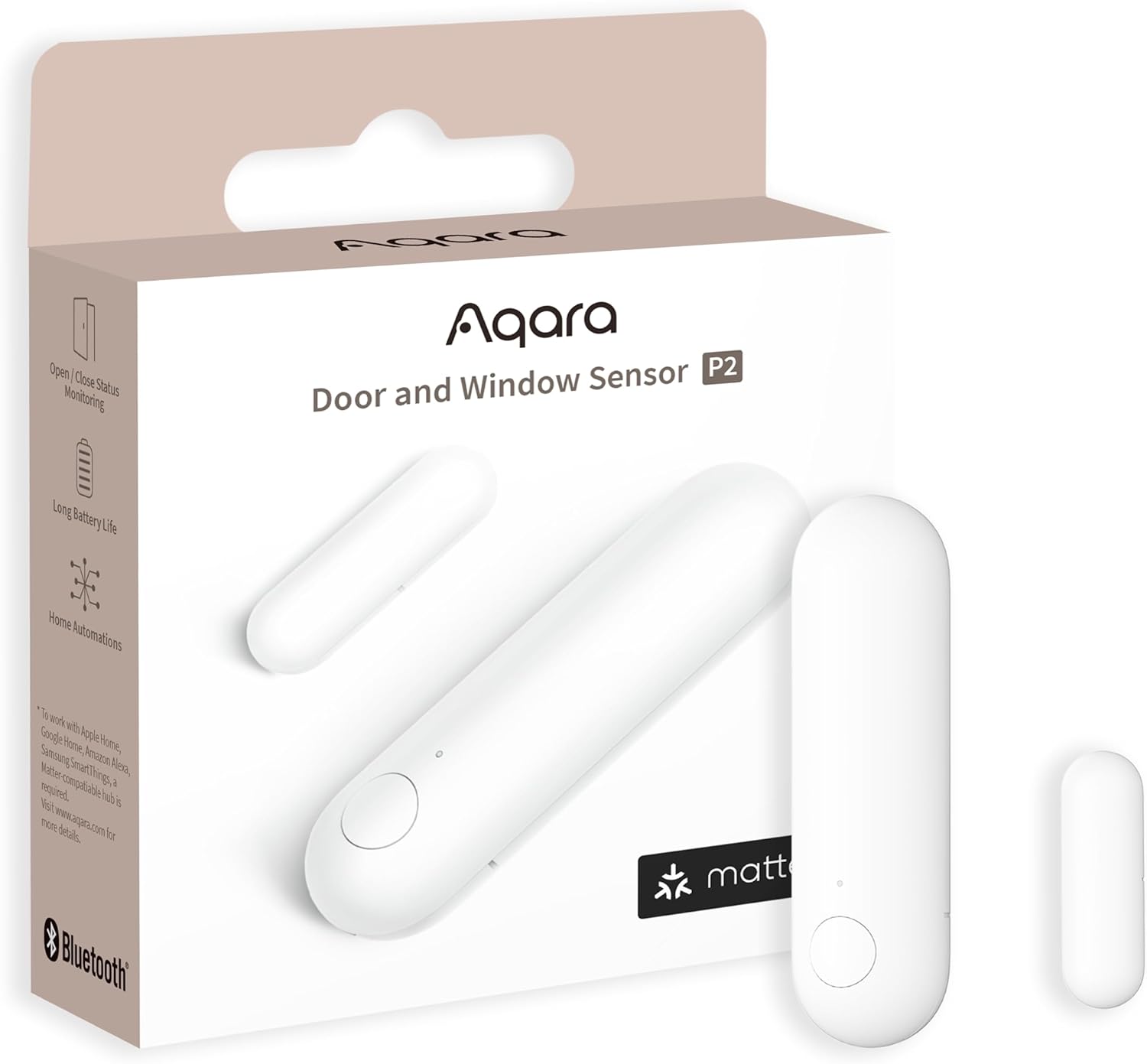
For general door and window state without a Zigbee coordinator, the Aqara Door and Window Sensor P2 is the most flexible buy. It’s compact and reliable. It has a native Matter-over-Thread connection, so no manufacturer hub or bridge is required, and it joins Home Assistant, Apple Home, Google Home, Alexa, or SmartThings over Matter. It suits bulk deployment on doors, windows, cabinets, and garage side doors. The caveat is that it needs a Thread border router (a HomePod mini or second-generation HomePod, a Thread-capable Apple TV 4K, or Home Assistant’s own Thread support), so it is not a fit if you have no Thread network and do not want to add one.
If you already run a Shelly BLU gateway or an ESPHome Bluetooth proxy, Shelly’s Bluetooth sensor line becomes very cheap coverage. The Shelly BLU Door/Window reports open and closed state, and the Shelly BLU Motion adds an ambient light reading alongside PIR motion. Neither touches a cloud, but both need that gateway or proxy within Bluetooth range to reach Home Assistant, so they only make sense once that piece is already in place.
For room climate without running a Zigbee coordinator at all, the Shelly H&T Gen3 is a battery-powered Wi-Fi sensor with an e-ink display that reports temperature and humidity over your local network through the native Shelly integration. The display means you can read the room without opening an app. Keep the reporting interval sensible or battery life suffers.
Setup notes for Home Assistant
Protocol choice matters less than implementation quality. For Zigbee sensor reliability, focus on the basics:
- Use a known-good coordinator and keep firmware current.
- Build mesh density with mains-powered repeaters in weak zones.
- Keep 2.4 GHz Wi-Fi channel overlap in mind when placing coordinator hardware.
- Add sensors category by category, then validate automations before scaling.
You do not need to convert your whole home in one weekend. A gradual rollout produces better automations and fewer debugging sessions.
Avoid sensor shopping that chases ecosystem badges before basic reliability. A sensor that works locally, reports consistently, and doesn’t chew through batteries is usually more valuable than a flashier product that only looks good in the vendor app.
Once the basics are covered, a few adjacent sensing jobs have their own pages: building a noise monitor with an ESP32 and an I2S microphone, local aquarium monitoring with real analog water probes, and, once room temperature is worth acting on rather than just graphing, smart thermostats for local-first homes.