Best local smart switches and dimmers
Local smart switches and dimmers for Home Assistant, plus the switches and relays that keep the physical button working when the internet is down.
On this page
- Quick verdict
- How I judge smart switches
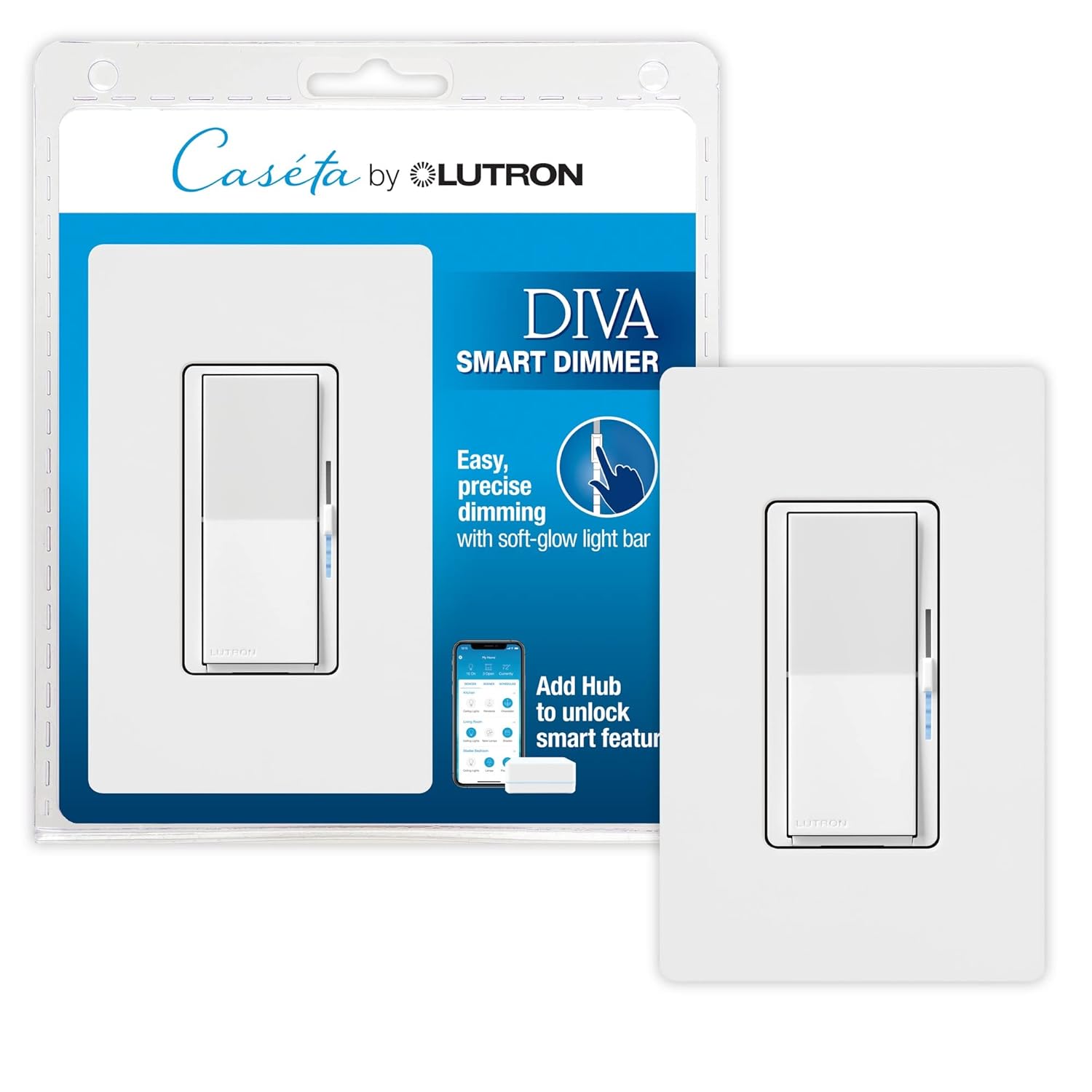
- Best overall for most households: Lutron Caseta Diva Smart Dimmer
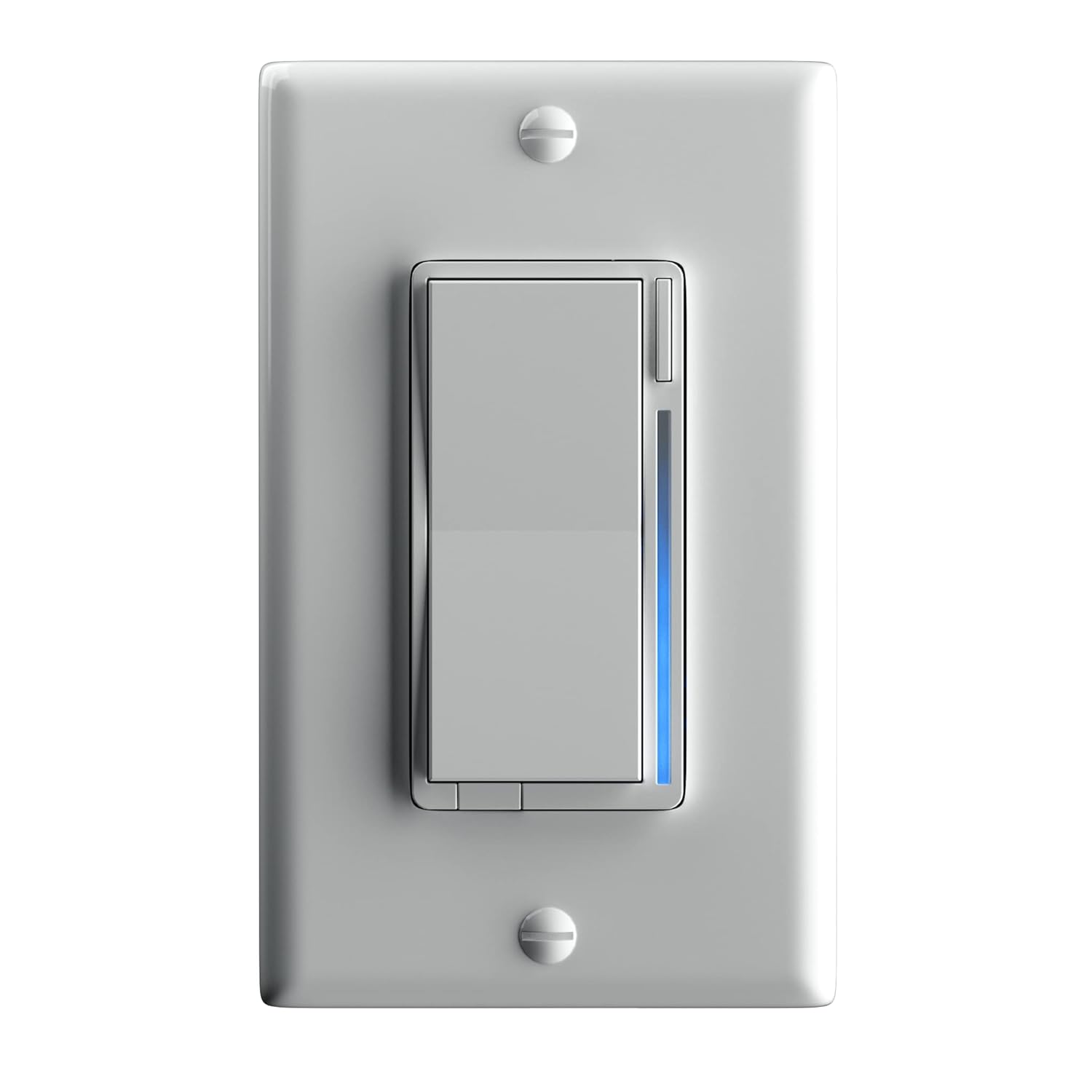
- Best Zigbee enthusiast pick: Inovelli Blue Series 2-1
- Best hidden retrofit module: Shelly Dimmer Gen4 (Dimmer 2 discontinued)
- When you cannot rewire
- A switch for circuits with nothing to dim
- Switches that keep the physical button
- What to avoid
Smart switches are where a smart home starts feeling structural instead of decorative.
A good switch works even when someone ignores your app, your voice assistant, and your carefully crafted dashboard, which, in most households, is most of the time.
The three worth considering: the Lutron Caseta Diva Smart Dimmer as the mainstream local pick, the Inovelli Blue Series 2-1 as the enthusiast Zigbee pick for Home Assistant, and the Shelly Dimmer Gen4 as the retrofit module for hidden local control (the older Dimmer 2 is discontinued).
Quick verdict
If you want the safest recommendation for a normal household, start with Lutron Caseta Diva Smart Dimmer.
If your home revolves around Home Assistant and you want more flexibility plus deeper automation potential, Inovelli Blue Series 2-1 is the more ambitious pick.
If you’re retrofitting existing wall hardware or want to hide the smarts behind your current switch style, Shelly Dimmer 2 is still one of the most practical module-style answers - though Shelly has discontinued it, so a new buyer should look at the Shelly Dimmer Gen4 instead.
How I judge smart switches
A switch is infrastructure rather than another accessory, and I judge it that way.
I care about:
- Local control quality
- How well the switch still works for actual humans on the wall
- Home Assistant integration reality
- Installation and wiring friction
- Whether the ecosystem gets better or worse as you scale up
Best overall for most households: Lutron Caseta Diva Smart Dimmer
Lutron wins the boring reliability contest, which is exactly why it deserves respect.
Why it stands out:
- excellent wall-switch usability
- strong local automation story through the Caseta hub
- reliable enough for normal people who don’t want house-wide tinkering experiments
The downside is that it’s more of a system decision than a one-off gadget purchase. If you buy into Caseta, you’re accepting Lutron’s ecosystem boundaries along with its polish. Caseta uses Lutron’s proprietary Clear Connect protocol (not Z-Wave or Zigbee), so it needs Lutron’s Smart Hub (the L-BDG2, which Lutron used to call the Smart Bridge) rather than a generic coordinator. It works locally and doesn’t require internet, though, and if you’re running HomeKit with a HomePod or Apple TV as your hub it’s a solid choice there too: the physical dimmer paddle works even when your HomePod is offline.
Best Zigbee enthusiast pick: Inovelli Blue Series 2-1
Inovelli Blue is what I would point serious Home Assistant users toward when they want a switch that feels like part of a real local automation stack.
Why it makes sense:
- excellent Home Assistant fit
- Zigbee-based local control
- scene and notification features that are useful instead of gimmicky
It works with Zigbee2MQTT and ZHA in Home Assistant out of the box, supports Zigbee 3.0 with secure binding, and has a physical paddle that works even when your network is down. The LED bar gives you visual feedback without needing the app, and it works with Hubitat and SmartThings natively too. Tradeoff: parameter configuration is done through Zigbee2MQTT or ZHA rather than a phone app, and the paddle click sound is louder than traditional switches. Some users disable the LED indicator to reduce light pollution in bedrooms.
The catch is that this isn’t the zero-thought mainstream option. It rewards people who already know why they want a more capable switch.
Best hidden retrofit module: Shelly Dimmer Gen4 (Dimmer 2 discontinued)
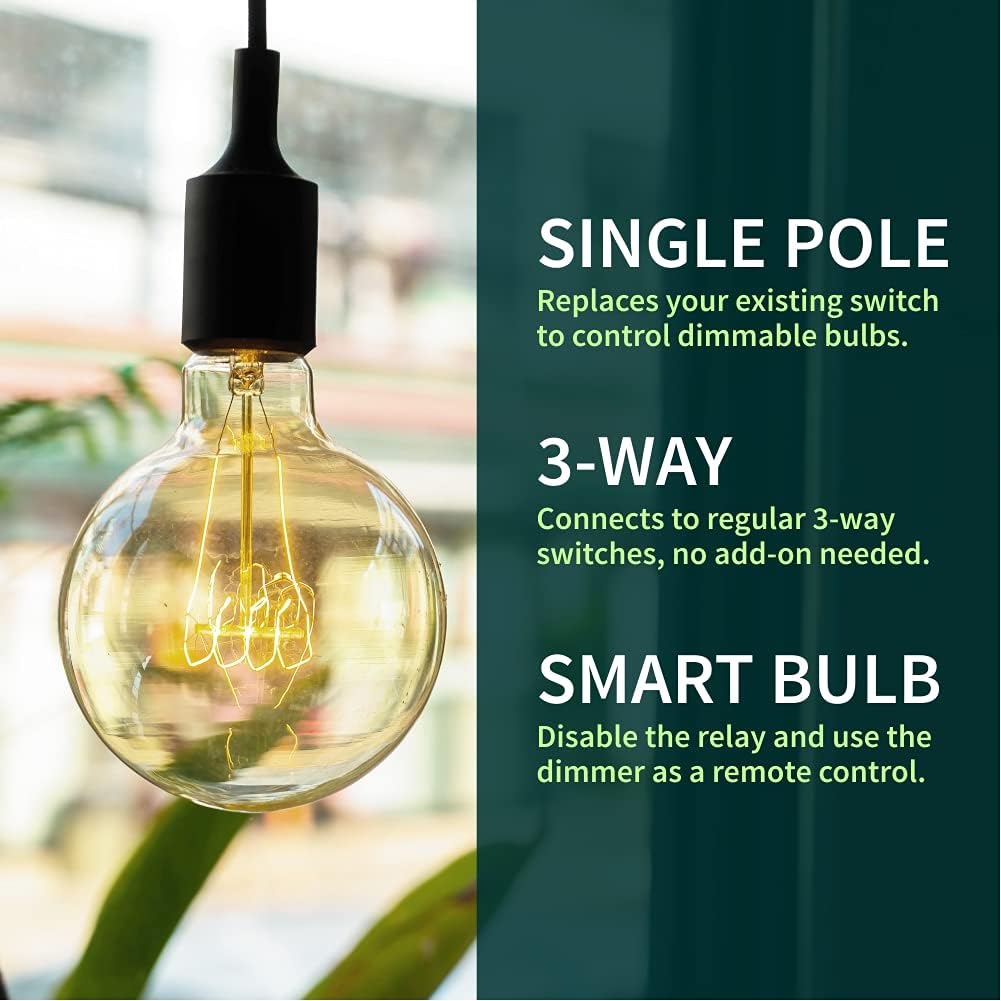
The Shelly Dimmer Gen4 is Shelly’s current behind-the-switch dimmer, and it reached the US in January 2026. A hidden retrofit module like this is attractive when you want to preserve the look of existing switches or need a more flexible retrofit path than full switch replacement allows. If you are weighing retrofit relay brands more broadly, my guide on choosing between Shelly and Sonoff for relays compares the two head to head. One note for anyone shopping the older part: Shelly has discontinued the Shelly Dimmer 2. It still works and integrates locally with Home Assistant, so it stays a reasonable choice if you already own one or find remaining stock. The Gen4 fits the same spot in the wall box and adds Zigbee 3.0 and Matter alongside Wi-Fi and Bluetooth, though only one radio profile is active at a time: it ships in the Matter profile and a five-press on the device button switches it to Zigbee. One thing to check before ordering: Shelly documents the 230 V model as working with or without a neutral (a bypass is needed below a 20 W load when there is no neutral), but its US documentation and its US store listing disagree on whether the UL version needs one, so confirm the wiring requirement for the exact SKU. The Shelly Plus Wall Dimmer is the earlier Wi-Fi-only in-wall dimmer: still fully local through the same Shelly integration, but it has no Matter and it does need a neutral. That one I run, and gave 4/5 in my owner review. I also run a Dimmer 2 on a big light panel and gave it 4/5 in its owner review; it’s a little awkward to use with a standard switch. I haven’t run the Dimmer Gen4, so the Gen4 notes come from Shelly’s documentation and other owners’ write-ups.
What it offers:
- strong local control
- good Home Assistant compatibility
- easier to hide behind existing wall hardware than many full smart-switch replacements
Why I would hesitate:
- wiring and box-depth realities matter a lot
- installation can be less friendly than ordinary smart plugs or sensors
- better for confident retrofit projects than for absolute beginners
When you cannot rewire
Everything above assumes you can open a wall box. Two devices are worth knowing about when you cannot, whether that is a rental agreement or just a wiring situation you would rather leave alone.
The ThirdReality Matter Smart Switch (MT1) clamps over the toggle or rocker you already have and physically flips it. Nothing is rewired, the switch still works by hand, and the whole thing comes off the wall when you move out. It is a battery-powered Matter-over-Thread device, so it reaches Home Assistant through the Matter integration and also works with Apple Home, Google Home and SmartThings, though not with Amazon Alexa. The prerequisite is that you already have a Thread border router and a Matter controller running.
The SwitchBot Bot is the blunter version of the same idea: a small mechanical arm that presses a button for you. It is less a light switch than a way to automate anything with a physical button that will never get a smart version, from a coffee maker to an old garage wall button. Home Assistant talks to it locally over Bluetooth with no hub required; a SwitchBot Hub is only needed for voice assistants or for control from outside Bluetooth range.
A switch for circuits with nothing to dim
Dimmers get the attention, but plenty of circuits do not want one: bathroom fans, closets, garages, outdoor floods. If your house runs Z-Wave, the Zooz ZEN71 On/Off Switch is the plain paddle for those, with multi-tap scene events and local control through Z-Wave JS. Its sibling the ZEN72 is the dimmer, so buy by the load rather than by reflex.
Switches that keep the physical button
These are the switches that still work from the wall when the internet is down, when a guest doesn’t want to open an app, or when an automation fails and you need to flip a switch like it’s 1995. For a local-first Home Assistant house (or a Hubitat or HomeKit hub run locally) that’s the first thing I check, because most “smart” switches nowadays are touch-only panels that break the moment your internet hiccups.
What works is Z-Wave or Zigbee with a local hub. Wi-Fi switches can work locally with some setups, but they often phone home on first boot or lose functionality without cloud access. Z-Wave and Zigbee switches communicate directly with your Home Assistant instance (or Hubitat), and they keep working when your router dies. Look for switches that support Z-Wave S2 security or Zigbee 3.0; these standards have local control baked in.
On that test the Inovelli Blue Series 2-1 above is the best balance of features, local reliability and physical button feel. On Z-Wave instead of Zigbee, the Zooz Zen72 covers the same ground with slightly less polish, in the same price band, so choose it for the radio rather than to save money. If price decides it, a Shelly relay behind the switch you already have is cheaper; if you want zero fuss, the Leviton ZW15S is unsexy but bulletproof. I haven’t run any of these switches myself; the picks come from the spec sheets and other owners’ write-ups.
Zooz Z-Wave family
Zooz makes several switches worth considering. The Zooz Zen72 800LR is a solid dimmer with physical controls and Z-Wave Long Range support for larger homes. The Zooz Zen77 Dimmer works similarly, and the ZEN71 above is the on/off version.
The trade-off with Zooz: firmware updates have been historically slow, and some models have had issues with association groups in Home Assistant. They’re fine for basic on/off/dimming but may lack the advanced features Inovelli offers. Worth noting: Zooz support has improved recently, and their 800LR line has better range than standard Z-Wave.
Leviton Z-Wave switches
If you want something boring and reliable, Leviton makes solid Z-Wave hardware. The Leviton ZW15S Switch and Leviton ZW6HD Dimmer work well with Home Assistant and Hubitat. They feel like standard Decora switches - no weird touch panels, just a regular paddle.
Tradeoff: these are boring - no LED bars, no fancy features, no app-driven extras. That’s the point; predictability is the appeal.
Shelly relays behind the switch you already have
Shelly answers this question differently: these are relay modules, not switches. The Shelly 1 Gen4 and Shelly 2PM Gen4 mount in the wall box behind the switch you already have, so the physical control stays exactly what it was before. Both support local control through the Shelly integration or MQTT. One note on generations: Shelly has discontinued both the Shelly Plus 1 and the Shelly Plus 2PM that these two replace - every Plus variant now reads unavailable on Shelly’s own store and the Plus multipacks sit in its discontinued-products collection (checked 2026-09-07). The Plus units stay fine if you already own one, but the Gen4 parts are what to buy new. My roundup of the best local in-wall relays names the modules themselves, including the no-neutral option for a box with only a switch loop.
The catch is narrower than it first sounds. In the default input mode the switch position maps straight to the relay inside the device’s own firmware, so the light still turns on from the wall with the network down; what an outage costs you is remote and automation control, not the paddle. The real trap is detached mode, where the input is deliberately separated from the output and only fires automations. Set that up and a Wi-Fi or Home Assistant outage does take the wall switch with it. Wi-Fi is also more prone to interference than Z-Wave, so keep expectations realistic in a house already running a healthy Z-Wave or Zigbee mesh.
Aqara Light Switch H2 US
The Aqara Light Switch H2 US is a dual-protocol switch, and it ships in Thread mode: out of the box it joins Home Assistant over Matter through any Thread border router. You can switch it to Zigbee firmware from the Aqara app, after which it pairs to ZHA or Zigbee2MQTT like any other Zigbee 3.0 device. No Aqara hub is required on either path - just a Thread border router in Matter mode, or a Zigbee coordinator you probably already run. The buttons are physical clicky switches, not touch panels. Whatever you choose, make sure it works with your hub first: Z-Wave switches need your hub to include them, Zigbee switches need a coordinator, and the “smart” part only counts when the physical button keeps working.
What to avoid
Avoid switches that are only smart inside the phone app while feeling weird or annoying on the wall.
That usually means:
- poor spouse or guest acceptance
- weak offline behavior
- automation logic that depends too much on vendor-cloud assumptions
A good smart switch should still make sense to someone who never opens the app. If keeping the existing paddle matters most, the physical-button section above is the shortlist; if you’d rather hide the smarts entirely, the best local in-wall relays covers modules.