Affiliate link - I may earn a commission at no extra cost to you. As an Amazon Associate I earn from qualifying purchases; some links go to other retailers with the same arrangement.
Quick verdict
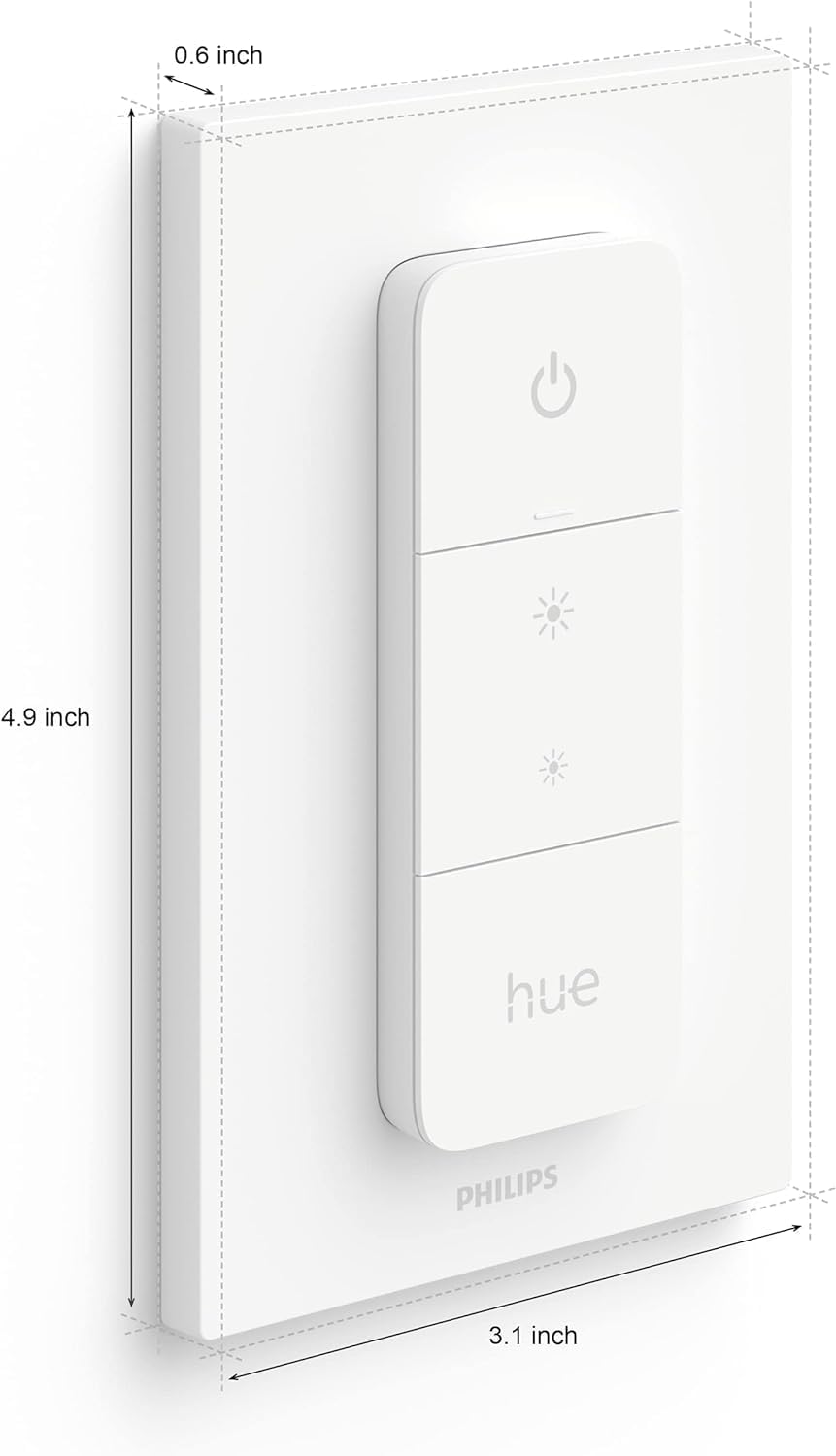
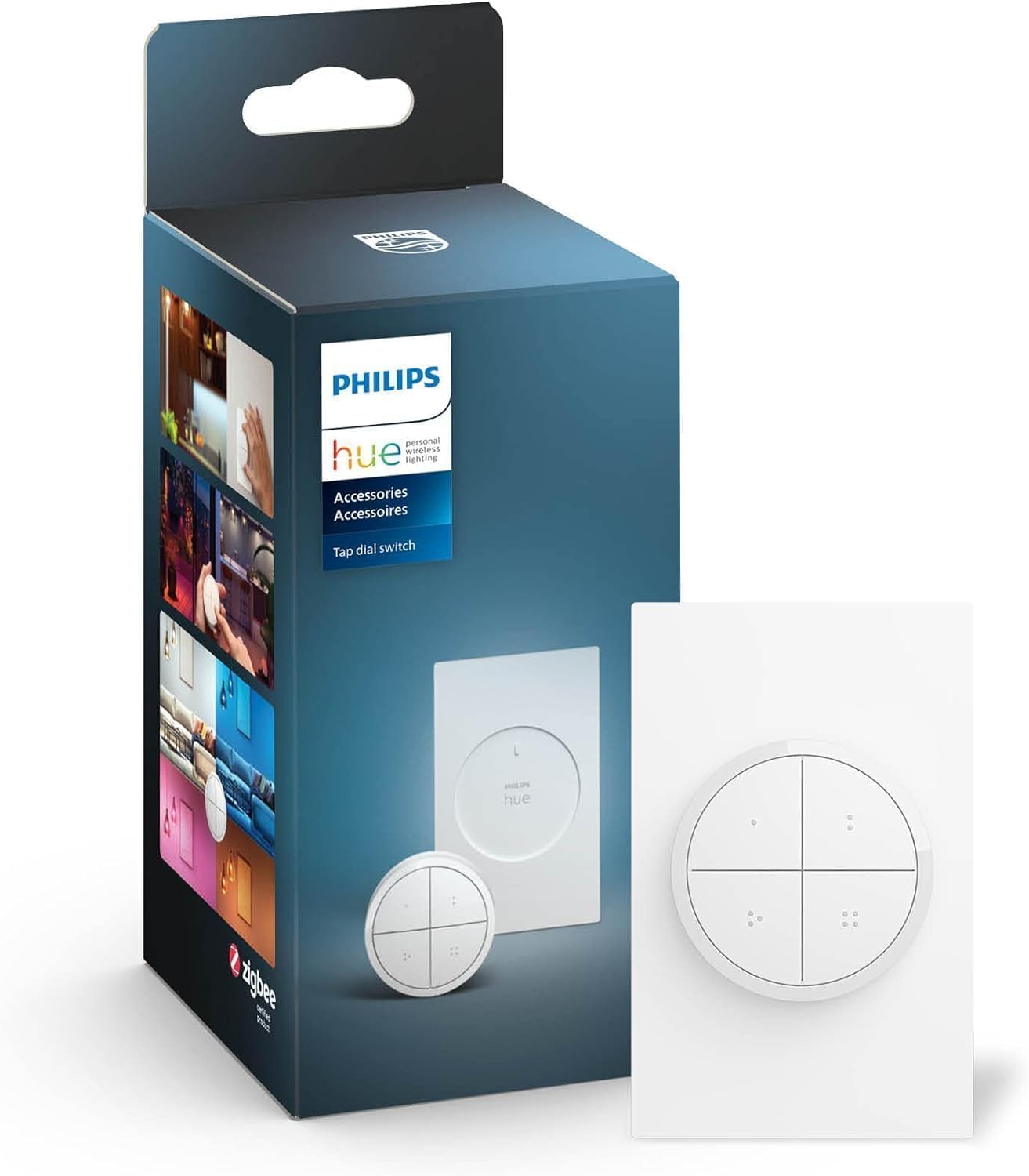
A simple wireless remote that does exactly what you expect. Stick it on the wall next to a door, pair it to the Hue Bridge or zigbee2mqtt, and you have physical buttons for your lights. The four buttons support press, hold, and release in Home Assistant, so you can map them to whatever automations you want. It is not fancy, but it solves the smart-bulb-with-a-dumb-switch problem well.
Standout: Magnetic mount Zigbee remote with four buttons and long battery life.
Notes last checked Mar 23, 2026.
Compatibility snapshot
Home AssistantgoodReliable local integration with minor caveats (a hub, manual config, or polling). Core function works locally.
Apple HomegoodWell supported, with only minor gaps.
Google HomegoodWell supported, with only minor gaps.
AlexagoodWell supported, with only minor gaps.
Works offlineyes
Setupeasy
Extra hub neededyes
Powerbattery-powered remote
Local control facts
Home Assistant: hue integration, Local Push (home-assistant.io, checked Sep 10, 2026)
Why it stands out
four buttons with press, hold, and release events give you plenty of automation triggers in Home Assistant
magnetic wall mount makes it easy to place anywhere without wiring
battery lasts roughly 3 years under normal use
Reasons to hesitate
not a wired in-wall switch, so it does not replace a real light switch
when paired to the Hue Bridge, button events in HA require the Hue integration to expose them
plastic build feels a bit cheap for the price
Best for
adding physical controls for Hue lights in rooms where rewiring is not an option
Home Assistant users who want Zigbee button triggers for custom automations
Avoid if
you need a wired in-wall dimmer that replaces an existing switch
you want a scene controller with more buttons. Look at the Zooz ZEN32 or Inovelli instead
Privacy and local-control notes
Battery-powered Zigbee remote with no cloud involvement. Through the Hue Bridge or a local Zigbee coordinator, everything stays on your network.
Home Assistant support: supported · integration path: Hue Bridge, zigbee2mqtt, or ZHA.
Buying reality check
Price notes: Cheap enough to scatter around the house wherever you need a physical light control.
Verified price reads: lowest seen $26.22, latest $26.99 on Sep 9, 2026.
The Aqara Wireless Mini Switch is the button I run and the one to buy first. Third Reality for the cheapest Zigbee, Zooz ZEN34 on Z-Wave, IKEA BILRESA on Thread. Plus Zigbee keypads for scene control and how to get clear feedback from a press.