Amazon links are affiliate links: as an Amazon Associate I earn from qualifying purchases, at no extra cost to you. Links to makers' own stores and other retailers are plain links that earn me nothing.
Quick verdict
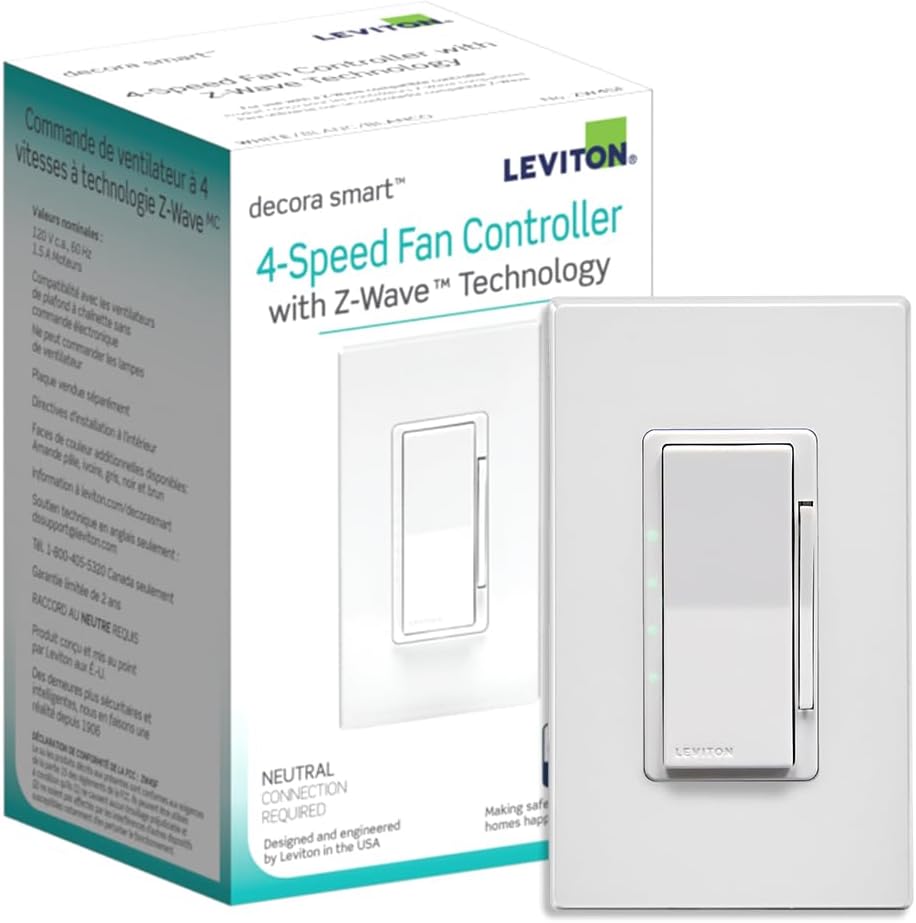
Ceiling fan automation done right. Four speed levels controlled via Z-Wave mean you can tie fan speed to temperature sensors in Home Assistant. Cool the bedroom automatically when it gets warm at night. It is a proper fan controller, not a dimmer pretending to be one, so it will not damage your fan motor. Matches the rest of the Leviton Decora line visually. AC motor fans only, so check before you buy. Neutral wire required.
Standout: 4-speed Z-Wave ceiling fan controller in a standard Decora paddle form factor.
Notes last checked Mar 22, 2026.
Compatibility snapshot
Home AssistantgoodReliable local integration with minor caveats (a hub, manual config, or polling). Core function works locally.
Apple HomenoneNo official support on this platform.
Google HomenoneNo official support on this platform.
AlexanoneNo official support on this platform.
Works offlineyes
Setupmoderate
Extra hub neededyes
Powerwired
Local control facts
Home Assistant: zwave_js integration, Local Push (home-assistant.io, checked Oct 10, 2026)
Z-Wave JS: in the device database, listed as Leviton ZW4SF (4 Speed Fan Controller) (github.com, checked Oct 22, 2026)
Why it stands out
4-speed fan control from a wall switch, replacing pull chains with smart automation
Z-Wave means fully local control with no cloud dependency
Decora paddle design matches Leviton's dimmer and switch lineup for a consistent look
Reasons to hesitate
Leviton rates it only for overhead paddle fans without electronic control, up to a 1.5 A motor load, and says it is not for exhaust-type fans, lighting loads, or combined ceiling fan light kits; it is an AC-motor control, not a DC one
requires a Z-Wave controller for Home Assistant integration
neutral wire required, so verify your wiring before purchasing
Best for
automating ceiling fan speed based on temperature or time of day in Home Assistant
replacing pull-chain fan controls with a clean wall switch
Avoid if
you have a DC motor ceiling fan. This is for AC motors only
you are not running a Z-Wave network and do not want to start one
Privacy and local-control notes
Z-Wave is fully local. No cloud, no Wi-Fi, no data collection. Fan speed control stays entirely on your local network.
Home Assistant support: supported · integration path: Z-Wave JS.
Buying reality check
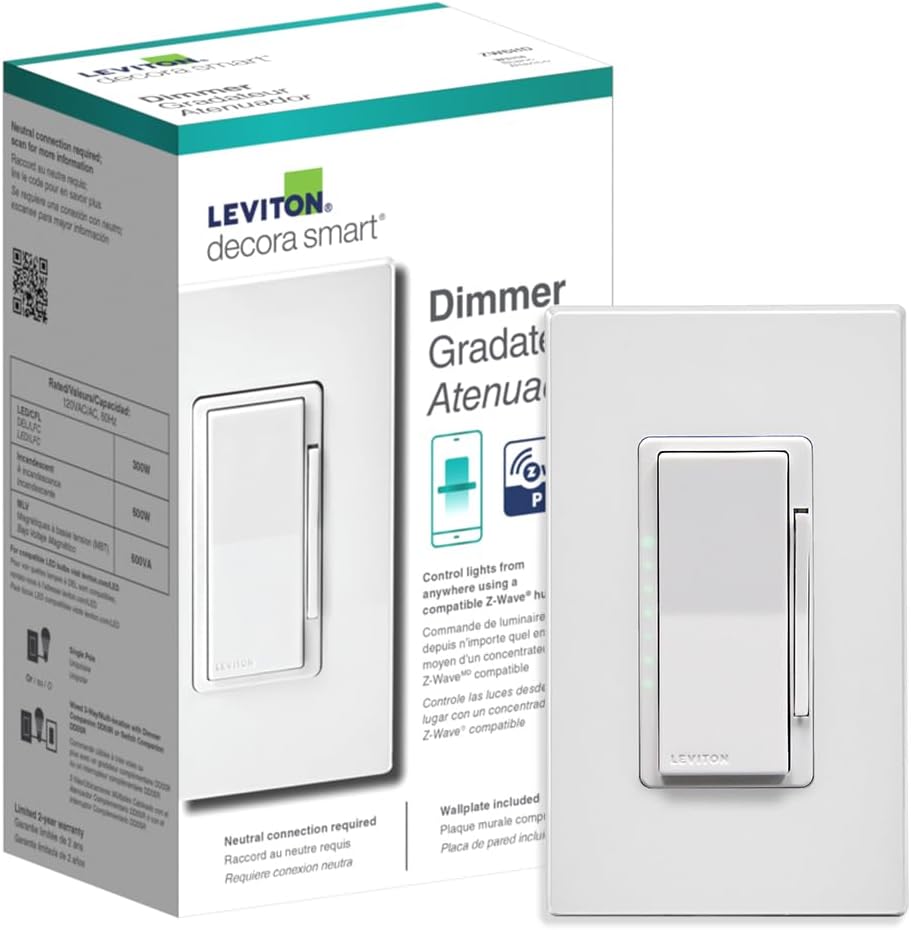
Price notes: Priced similarly to the dimmer. Good value for dedicated fan control versus using a dimmer on a fan motor.
Verified price reads: lowest seen $43.59, latest $57.22 on Nov 7, 2026.
Black Friday 2026 smart home deals for Home Assistant and local-control homes: the lowest price I've recorded for 100+ Zigbee, Z-Wave, Matter and Wi-Fi devices.
From the change log and the news briefs that name this product.
Verified against
Leviton ZW4SF-1BW product page (spec. Leviton: "Rated for overhead paddle fans without electronic control up to 1.5A motor", "Load Rating : 1.5A Fan", "not for use with exhaust type fans, lighting loads, or combined ceiling fan light kits", "Requires Neutral Wire". Leviton does not mention DC-motor fans.) · checked Nov 6, 2026
Black Friday smart home deals for Home Assistant: the prices to beat
Black Friday 2026 smart home deals for Home Assistant and local-control homes: the lowest price I've recorded for 100+ Zigbee, Z-Wave, Matter and Wi-Fi devices.
Zigbee, Z-Wave, Thread and Matter compared for a local-first Home Assistant home: what each is good at, Matter vs Thread, and Zigbee vs Thread for bulbs.