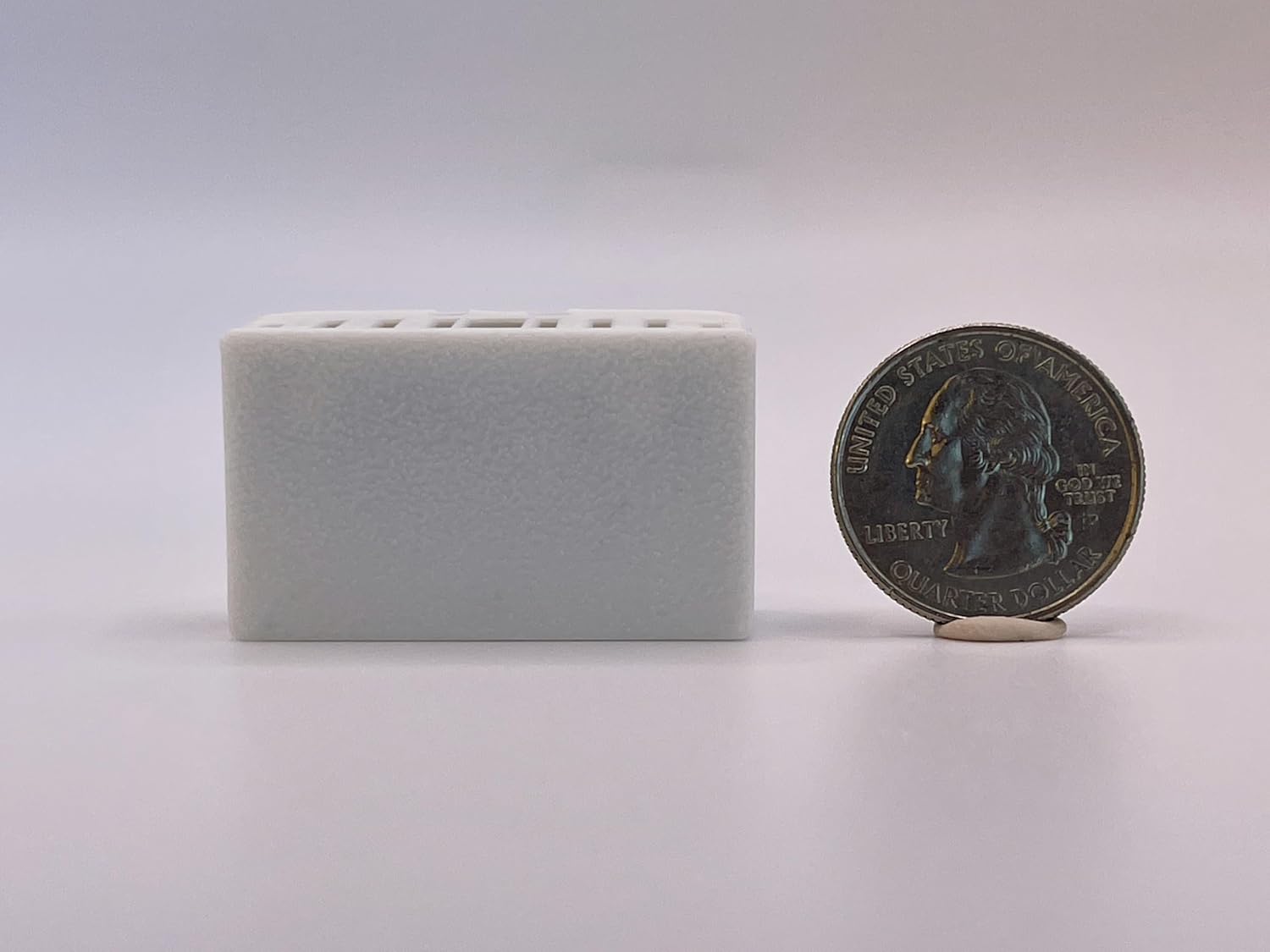
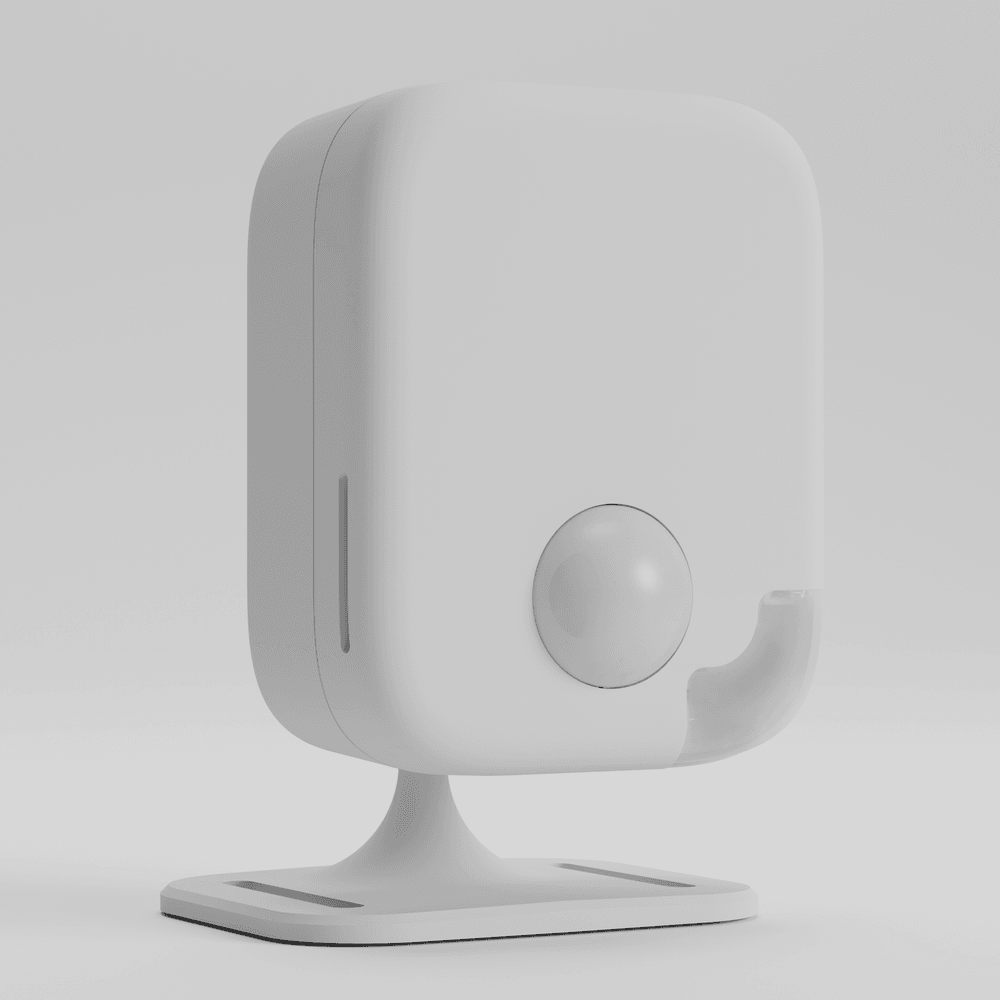
Apollo's flagship presence sensor: a ceiling- or wall-mount mmWave unit that runs on a single PoE Ethernet cable or on USB-C, with one radar included (LD2450) and room for an optional second radar (LD2412). It ships on Wi-Fi firmware and you switch it to PoE in the device dashboard. Ceiling placement eliminates the blind spots you get with desk or shelf mounting, though the ceiling mount itself is a separate accessory. It is overkill for a single room, but it is the most capable sensor Apollo sells and a good fit for whole-home presence tracking on a PoE backbone.
Standout: mmWave presence sensor that runs on PoE or USB-C - ships with one LD2450 radar plus an optional second LD2412 radar for dual-radar sensing. Apollo's most capable.
Notes last checked Oct 20, 2026.
Compatibility snapshot
Home AssistantexcellentFull local control, no cloud needed. Native Home Assistant integration or a local protocol.
Apple HomenoneNo official support on this platform.
Google HomenoneNo official support on this platform.
AlexanoneNo official support on this platform.
Works offlineyes
Setupadvanced
Extra hub neededno
PowerPoE or USB-C
Local control facts
Home Assistant: esphome integration, Local Push, Platinum on the quality scale (home-assistant.io, checked Oct 10, 2026)
Why it stands out
dual-radar capable: ships with one LD2450 mmWave radar, with an optional second LD2412 radar for multi-zone presence detection
PoE powered, so a single Ethernet cable handles power and data with no USB cable or adapter needed
flexible mounting - flat surface, single-gang box, or ceiling with the optional mount
Reasons to hesitate
premium price point, significantly more than basic presence sensors
PoE needs a PoE switch or injector - without one you fall back to USB-C power and Wi-Fi
the ceiling mount is a separate accessory, and a PoE install means running Ethernet to the mounting point
Best for
serious Home Assistant users who want the most accurate presence detection possible
commercial or whole-home installations where PoE infrastructure already exists
Avoid if
you want PoE single-cable install but have no PoE switch or injector and do not want to buy one
you need a simple, budget-friendly presence sensor. The MSR-2 or MTR-1 are more practical
Privacy and local-control notes
Fully local via ESPHome. No cloud, no account. On PoE firmware it does not need Wi-Fi at all; it ships on Wi-Fi firmware, and Bluetooth is used for tracking and Improv provisioning. Radar-based, no camera.
Home Assistant support: supported · integration path: ESPHome.