Best local security cameras for Home Assistant
The best Home Assistant-friendly local camera options for buyers who care about RTSP, ONVIF, NVR compatibility, and lower cloud dependence.
On this page
Smart cameras are where a lot of so-called smart homes become annoying surveillance subscriptions with pretty packaging.
If you care about Home Assistant, local recording, and not getting trapped in somebody else’s cloud roadmap, camera choices need a much harsher filter than most gadget sites use.
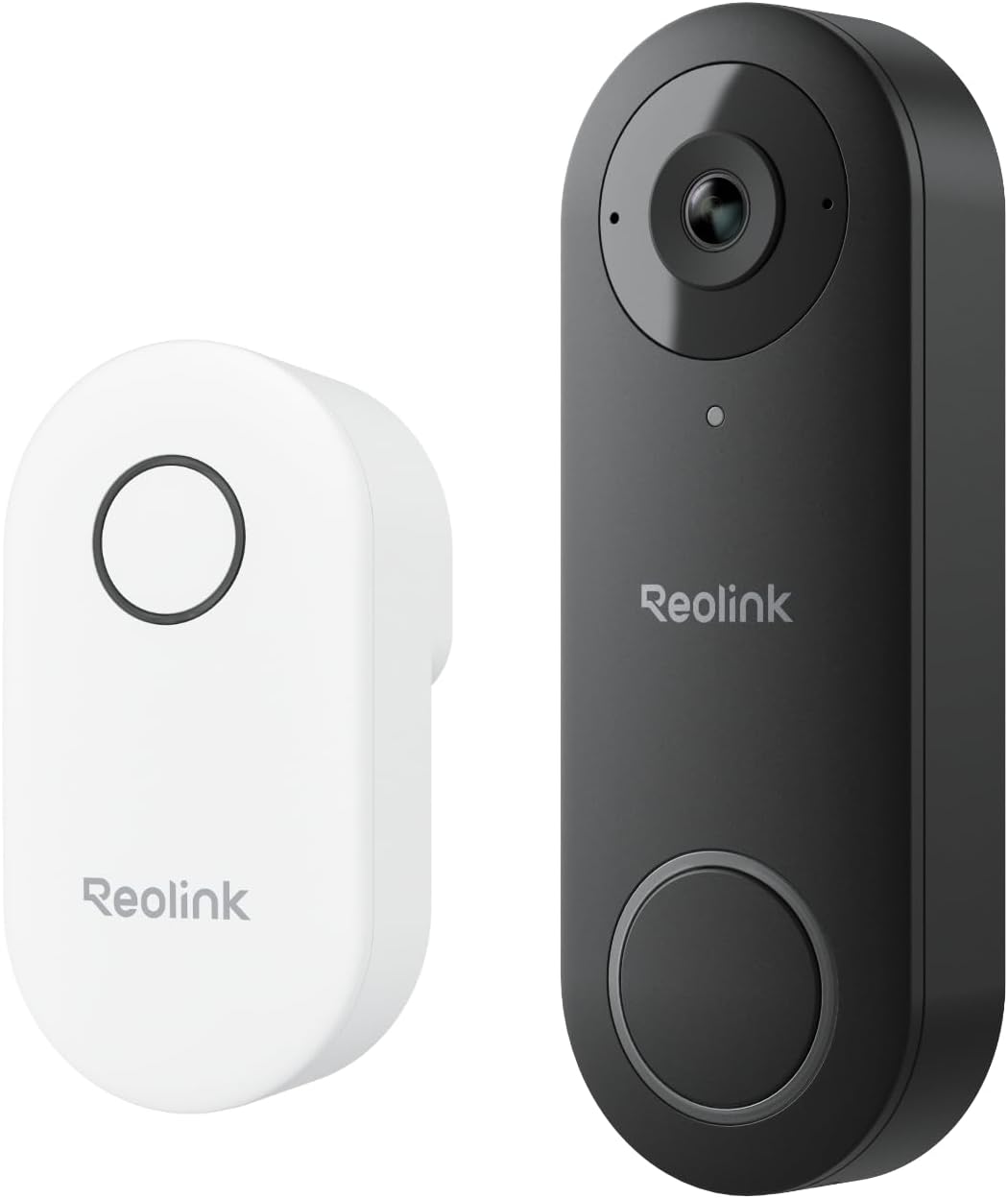
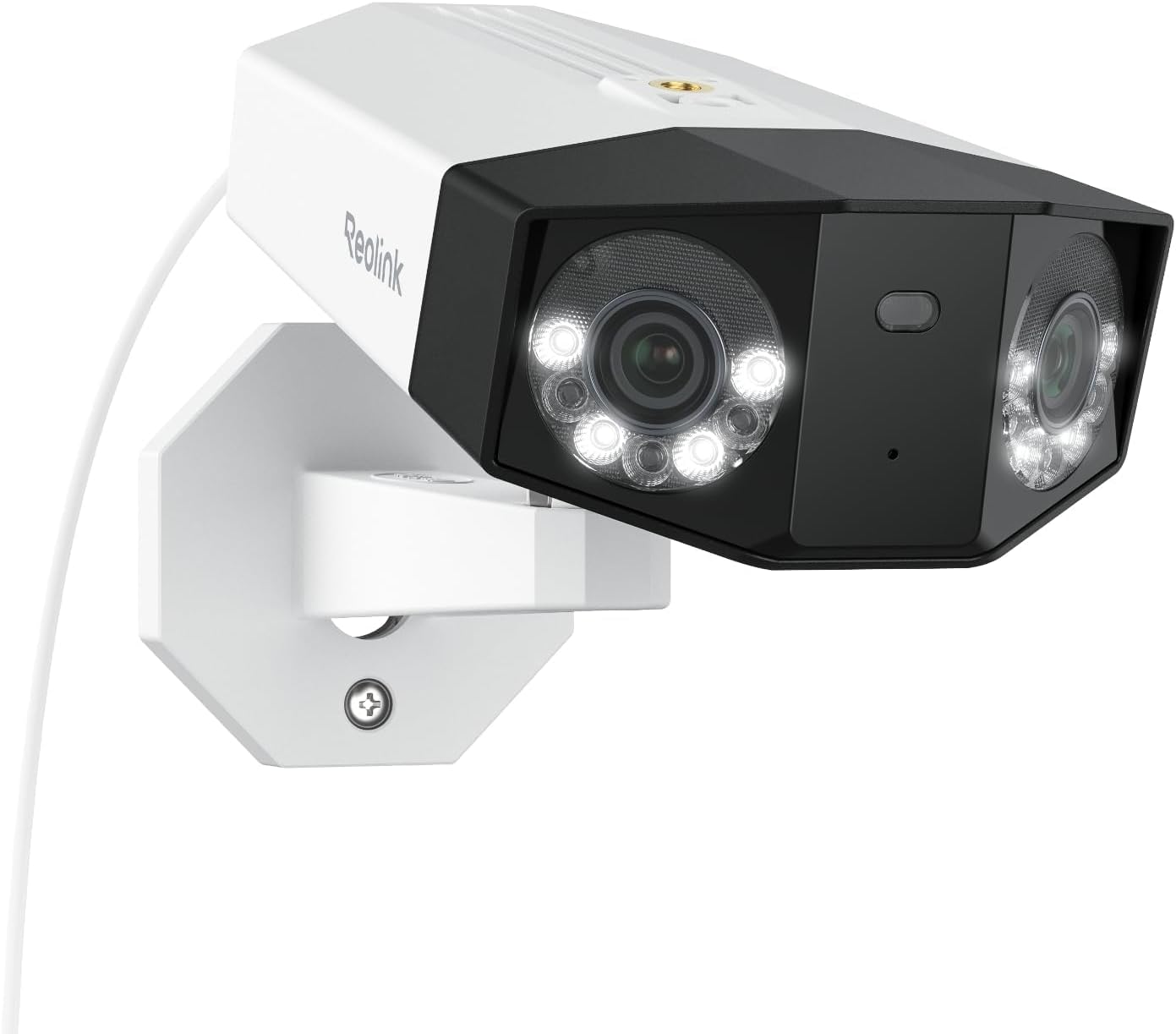
Two options are worth recommending: the Reolink PoE Camera Line for overall value in a local camera setup, and UniFi Protect as the polished controller-based ecosystem.
Quick verdict
If you want the best balance of local flexibility, value, and Home Assistant usefulness, buy into Reolink PoE cameras first. (Not sure which to wire up? See when to use PoE vs Wi-Fi for home cameras.)
If you already like the Ubiquiti ecosystem and want a more managed local platform, UniFi Protect can make sense, as long as you buy a console that runs Protect, but it’s a much more committed ecosystem purchase.
How I judge local cameras
I care about:
- RTSP / ONVIF / local stream reality
- NVR and Frigate friendliness
- Home Assistant integration quality
- Cloud dependence
- Value over time, rather than first-impression app polish
Best overall for most local-first buyers: Reolink PoE Camera Line
Reolink is the easy recommendation because it keeps showing up in the zone where practical buyers actually live:
- good value
- strong local-stream support
- solid Home Assistant usefulness
- easy fit for NVR and Frigate-style setups
The nice thing about Reolink is that it makes sense even if you’re gradually building the rest of the stack. You don’t need to marry an entire camera empire on day one. I haven’t run Reolink cameras myself (my cameras are on UniFi Protect), so this pick rests on the spec sheets and what other Home Assistant and Frigate users report. Budget for the wiring, though. Reolink ships its PoE cameras without a power supply, so every camera needs an Ethernet run back to a PoE switch, a PoE injector or a PoE NVR before it will power up at all.
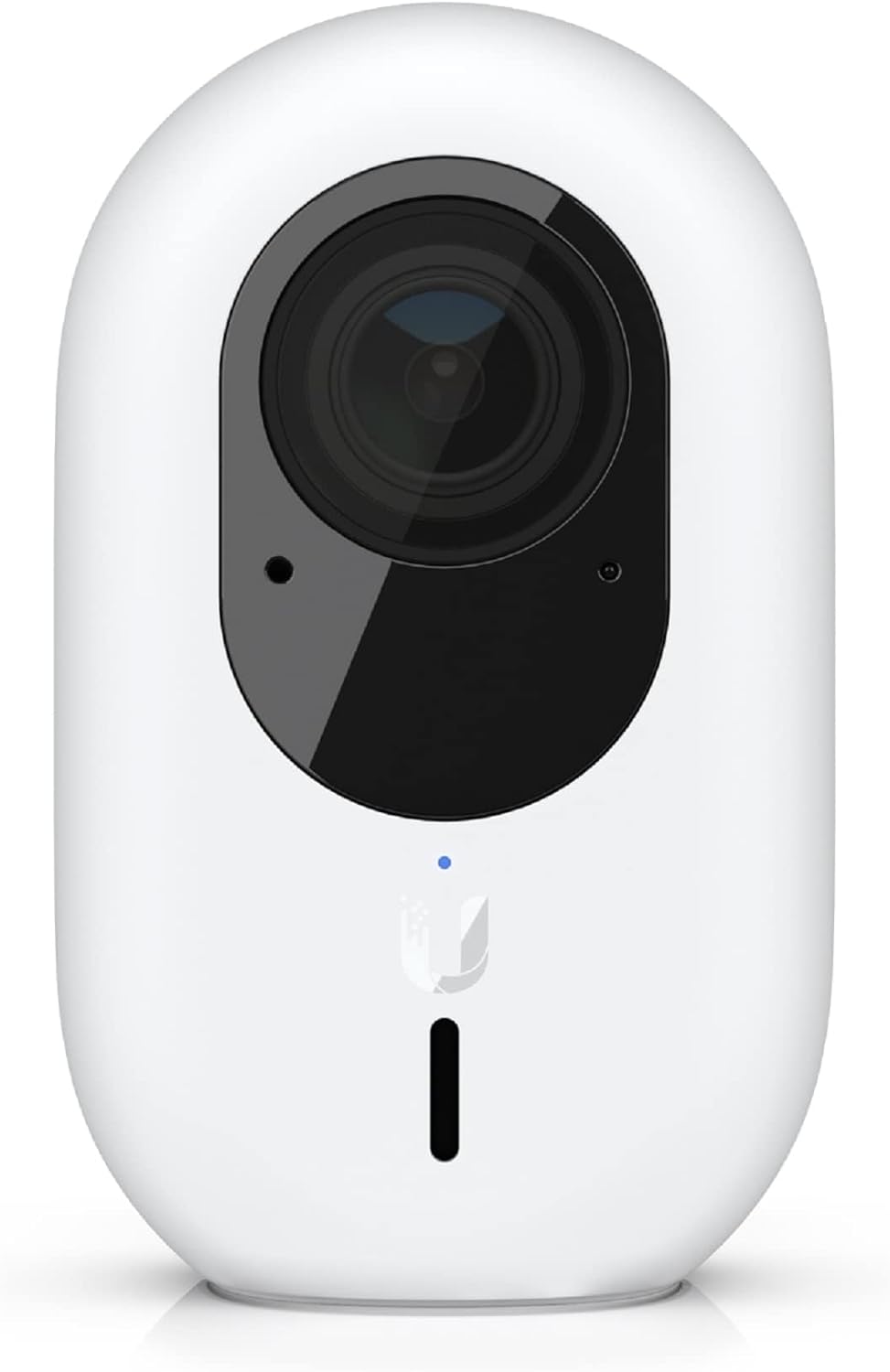
Best managed local camera ecosystem: UniFi Protect
UniFi Protect is better seen as a platform decision than a single camera recommendation. It’s the system I run at home.
Why it earns the spot:
- cleaner integrated experience
- good local recording posture
- strong fit if the house already uses UniFi networking gear, provided that gear includes a console that runs Protect
Why I would hesitate:
- you need a console that actually runs the Protect application: a UDM Pro, UDM SE, UDM Pro Max, Dream Router, Cloud Gateway Max, or a UNVR/UNVR Pro (a CloudKey Gen2+ also runs Protect but is the legacy option). The base UniFi Dream Machine does not run Protect at all and has no video storage, so check the model before you buy.
- higher cost
- more ecosystem lock-in
- worse value than a pragmatic Reolink-heavy setup for many homes
Which UniFi camera to buy
If you do commit to Protect, the current lineup maps cleanly to use cases - all of these record locally to your own console, none carry a subscription:
- UniFi G6 Bullet (~$199) - the current-gen outdoor pick: 4K, PoE, on-device AI detections.
- UniFi G6 Instant (~$179) - the same 4K sensor and on-device AI in a drop-anywhere Wi-Fi body.
- UniFi G5 Bullet (~$129) - the budget weatherproof pick: 2K and PoE, without the on-device AI.
- UniFi AI Pro - the premium 4K bullet that adds face and license-plate recognition, processed on the Protect host rather than in a cloud.
What to avoid
Avoid camera systems that only feel good when everything runs through the vendor app and cloud account.
That usually means:
- weaker local recording options
- shallower Home Assistant usefulness
- more risk that a future pricing or feature change makes the product worse after you buy it
Compatibility notes
Home Assistant
Both Reolink and UniFi Protect are workable in Home Assistant, but Reolink is usually the more practical first recommendation. I put the two side by side on cost, Home Assistant integration and storage in Reolink vs UniFi Protect.
Apple Home / Google Home / Alexa
If your top priority is polished native voice-assistant camera UX, this page isn’t trying to flatter you. It’s biased toward local camera quality over cloud-first convenience theater.
Frigate and local NVRs
Reolink is usually the easier value pick for local recording projects. UniFi Protect can be very good, but it’s more opinionated and more expensive. For the whole setup around the cameras, see local smart home security setup from scratch.