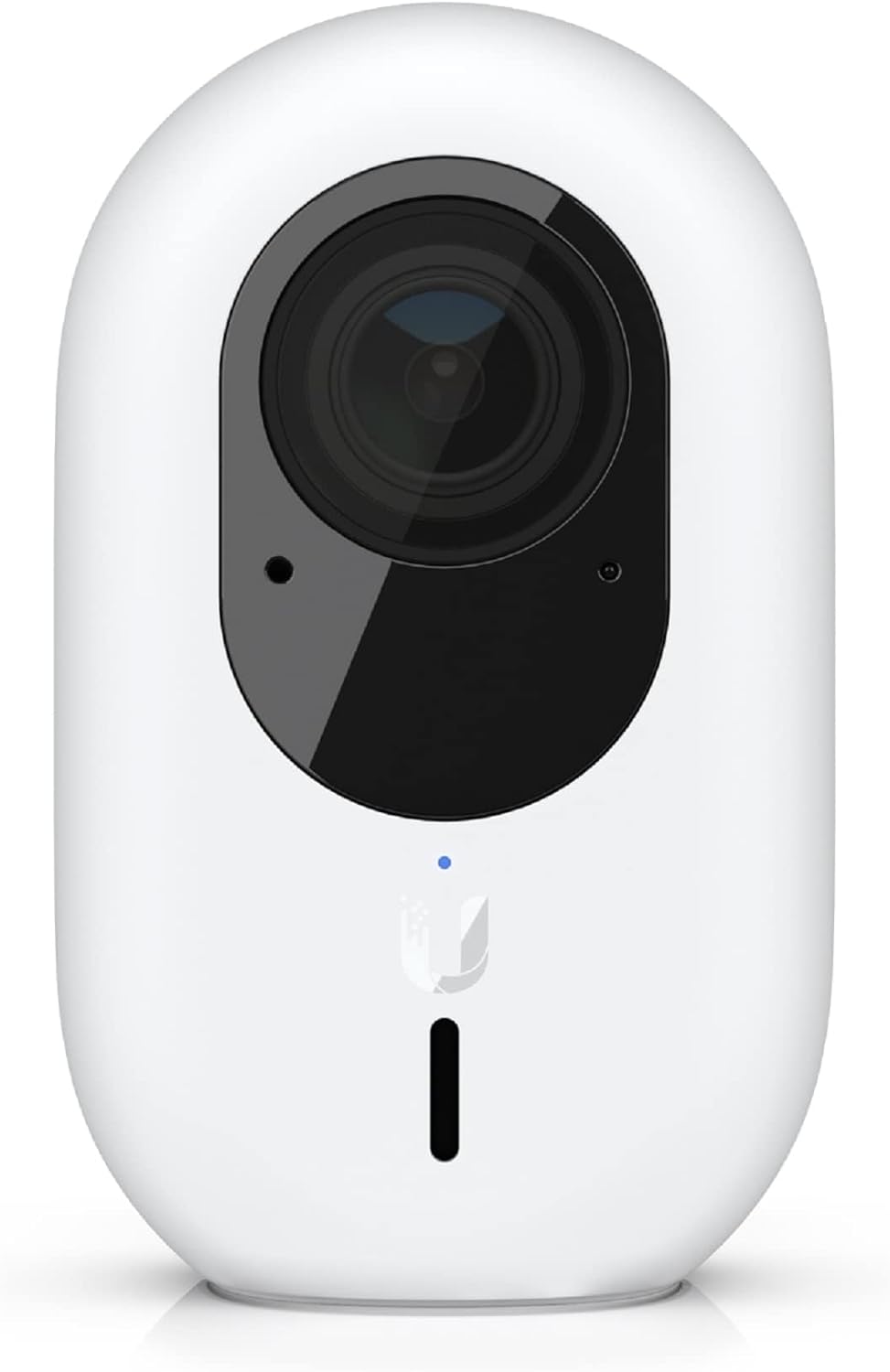
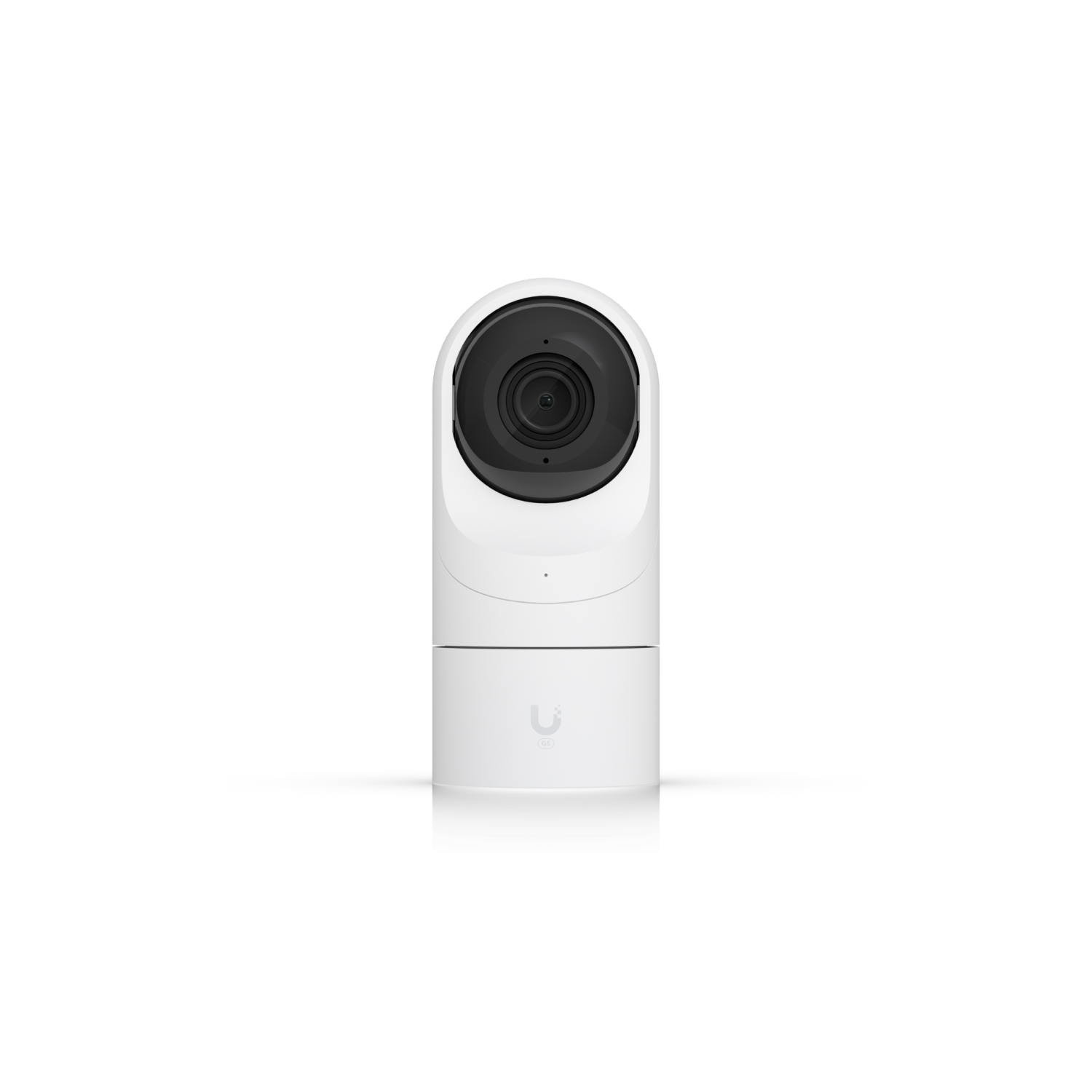
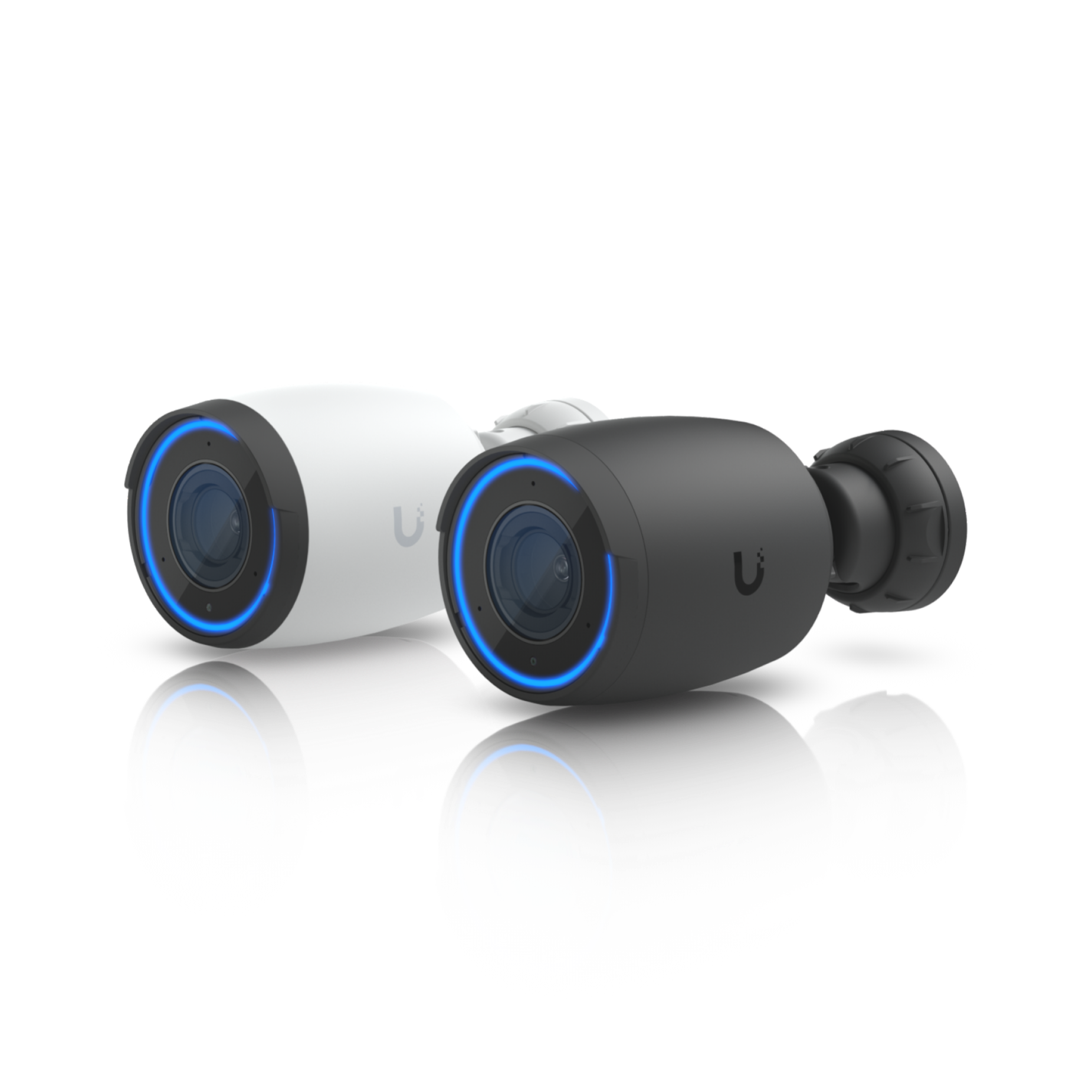
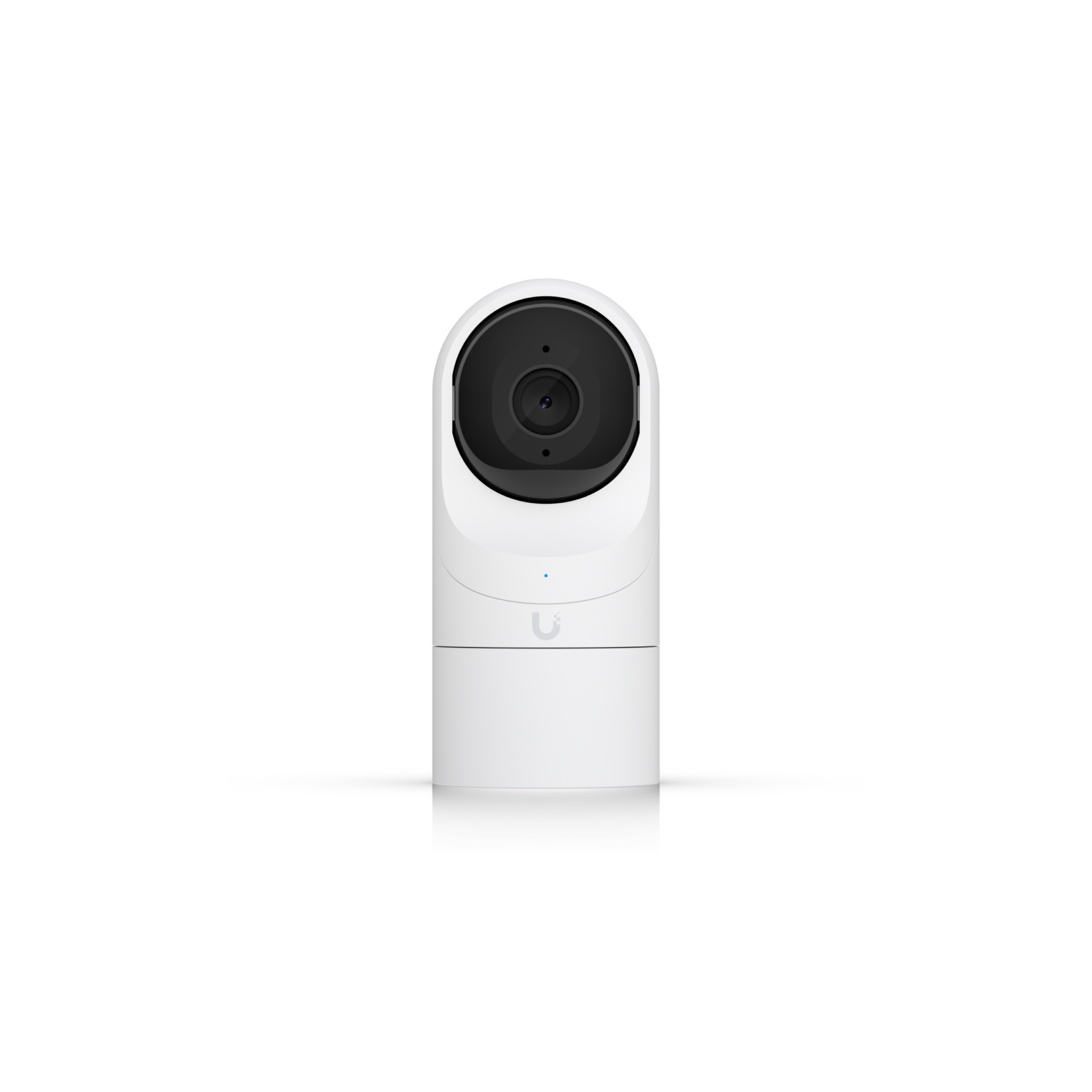
Affiliate link - I may earn a commission at no extra cost to you. As an Amazon Associate I earn from qualifying purchases; some links go to other retailers with the same arrangement.
Quick verdict
If you're already running UniFi networking gear, Protect is a natural fit with polished local recording and a solid app, but only if that gear includes a console that runs Protect (a UDM Pro, UDM SE, UDM Pro Max, Dream Router or a UNVR; the base Dream Machine does not run Protect at all). Running Protect and powering the cameras are separate questions: the UDM SE, Dream Router and UNVR Instant have PoE ports, but the UDM Pro, UDM Pro Max and the plain UNVR have none and need a PoE switch alongside them. The problem is the buy-in cost - you need UniFi hardware end to end. Buyers who just want local cameras without the full ecosystem should look at Reolink.
Standout: Polished local camera platform if you are willing to buy into the broader UniFi stack.
Notes last checked Mar 21, 2026.
Compatibility snapshot
Home AssistantgoodReliable local integration with minor caveats (a hub, manual config, or polling). Core function works locally.
Apple HomepoorBarely supported or unreliable on this platform.
Google HomepoorBarely supported or unreliable on this platform.
AlexapoorBarely supported or unreliable on this platform.
Works offlineyes
Setupmoderate
Extra hub neededyes
PowerPoE or Wi-Fi cameras tied to controller hardware
Local control facts
Home Assistant: unifiprotect integration, Local Push, Platinum on the quality scale (home-assistant.io, checked Sep 10, 2026)
Why it stands out
all recording and AI detection happens locally on the UniFi controller - no cloud subscription
tight hardware ecosystem integration if you already run a Protect-capable UniFi console
managed local camera platform with a polished app instead of cobbling together standalone cameras
Reasons to hesitate
expensive compared with pragmatic Reolink-style setups
less flexible than open ONVIF-heavy camera mixes
best experience requires buying into the UniFi Protect ecosystem
Best for
buyers already invested in Ubiquiti
households that want a polished local camera platform with controller-based management
Avoid if
you want the best local-camera value
you want a more open camera mix for Home Assistant and NVR projects
Privacy and local-control notes
A solid local camera ecosystem for people who are comfortable buying into Ubiquiti hardware, but it is more of a platform commitment than a simple camera recommendation.
Home Assistant support: supported · integration path: UniFi Protect (official core integration, Local Push) running on a Protect-capable UniFi OS console.
Buying reality check
Price notes: Hardware costs stack up fast because the best experience usually assumes UniFi controller gear too.
Verified price reads: lowest seen $363.13, latest $363.13 on Sep 14, 2026.
Skip the cloud fees: the doorbell cameras that record locally to Frigate, an NVR, or a NAS with Home Assistant, and what local really means for each option.
The best PoE cameras for Home Assistant: local RTSP/ONVIF picks from Reolink and Amcrest, UniFi Protect for pro setups, and when Wi-Fi is the better call.