appliance

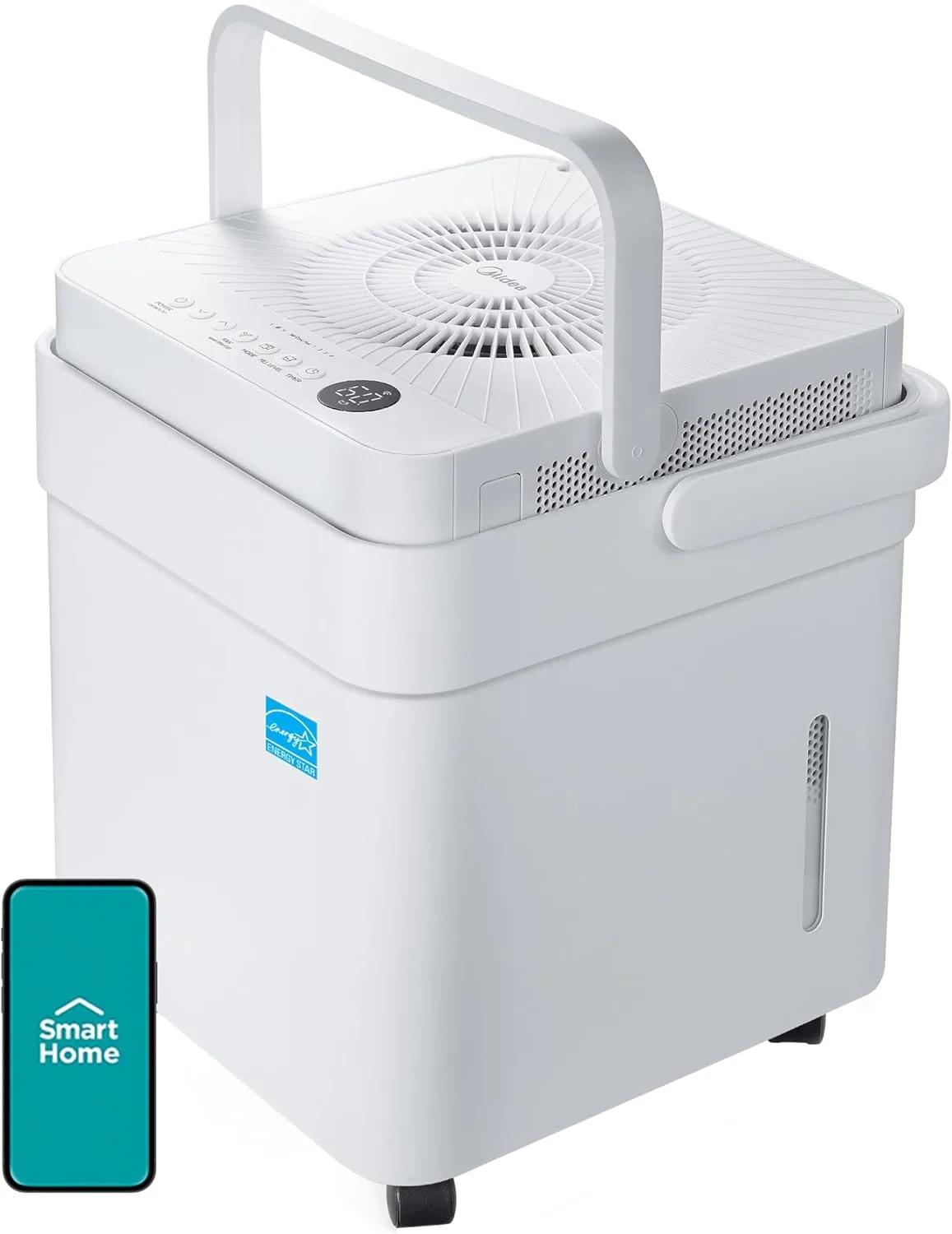
Midea Dehumidifier (Midea LAN)

Midea

budget HA: goodReliable local integration with minor caveats (a hub, manual config, or polling). Core function works locally. local: goodLocal control for everyday use; a few features may still touch the cloud. Wi-Fi
Midea dehumidifier controlled locally via Midea AC LAN in Home Assistant
Owner’s hands-on review ★★★★☆

It's a Dehumidifier - It has Matter. It works well for both.

Our basement gets pretty swampy here in the midwest Summer, with humidity indoors sometimes going over ~70%. After almost 20 years of living here, and before that living in the humid South, you’d think I’d learn to bring out the Dehumidifier in the Spring/Summer, but I don’t. So instead I found this and bought it right away. And you know what’s nice? Having it off all winter when we want the humidity, and automatically turning it on based on outdoor humidity + temperature.

Saved me a couple weeks of being miserable while I forget to turn one on - and it pumps directly into the sink.

If you are less forgetful than me it might not be worth buying the smart version.

Site owner · 2026-06-07 · in the owner’s words

Quick verdict

Like the Hisense AC, this Midea dehumidifier lands in the good column because Midea AC LAN controls it locally over your network - target humidity, mode, fan, and live RH - with the cloud needed only once for the token and key. Great for set-and-forget basement humidity automations that keep working offline. It is a community integration, so factor that in.

Standout: A common dehumidifier turned into a fully local Home Assistant humidity device via Midea AC LAN.

Last checked: 2026-06-10

Compatibility snapshot

Home Assistant goodReliable local integration with minor caveats (a hub, manual config, or polling). Core function works locally.
Apple Home noneNo official support on this platform.
Google Home fair
Alexa fair
Works offline yes
Setup intermediate
Extra hub needed no
Power mains

Why it stands out

  • Local humidifier/dehumidifier entity in Home Assistant: target humidity, mode, fan speed, and current RH
  • Runs without internet once configured - ideal for humidity automations tied to local sensors
  • Pairs well with mmWave/leak/temperature automations without any cloud round trip

Reasons to hesitate

  • Community custom integration (HACS), not official
  • One-time cloud login required to retrieve the token/key
  • Local control depends on the unit using a Midea-protocol Wi-Fi module

Best for

  • Basements and crawlspaces where you want local humidity-driven automation
  • Owners who want a local alternative to a cloud dehumidifier app

Avoid if

  • You will not run community integrations
  • Your unit only supports a cloud app with no Midea LAN protocol

Privacy and local-control notes

After setup, Midea AC LAN controls the dehumidifier entirely over your local network. The Midea cloud account is only needed once to fetch the token and key, after which it can be removed and control remains local.

Home Assistant support: supported · integration path: Midea AC LAN (midea_ac_lan custom integration, HACS) - local control over the LAN via a persistent TCP connection.

Buying reality check

Price notes: Midea sells these widely and cheaply. The owner's unit (HA shows model id 00000Q1B) runs through midea_ac_lan as a local device. The retail model number is not confirmed from that id, so it is named by category. No affiliate link listed.

Compare side by side: see appliance comparisons →

Related appliance products

Bosch 500 Series SHP65CM5N dishwasher with Home Connect

Bosch 500 Series Dishwasher (SHP65CM5N)

premium

Bosch

HA: okay local: none
Product notes →
GE Profile PHS930 30-inch smart slide-in induction range

GE Profile 30in Smart Slide-In Induction Range (PHS930)

premium

GE Appliances

HA: poor local: none
Product notes →
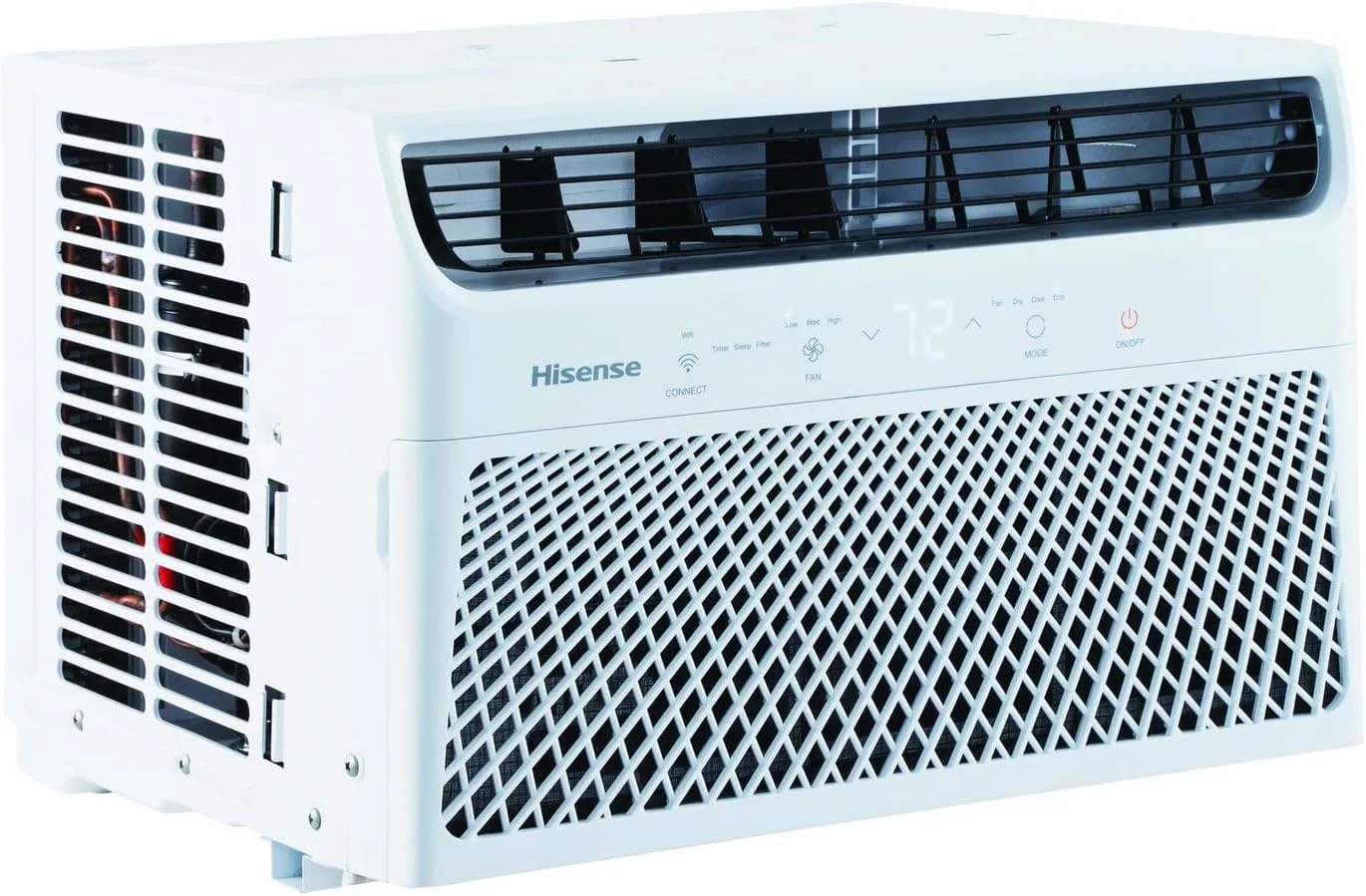
Hisense room air conditioner controlled locally over Matter in Home Assistant

Hisense Window/Portable AC (Matter)

budget

Hisense

HA: good local: good
Product notes →
New guides and product notes, no inbox required. Follow via RSS →