appliance

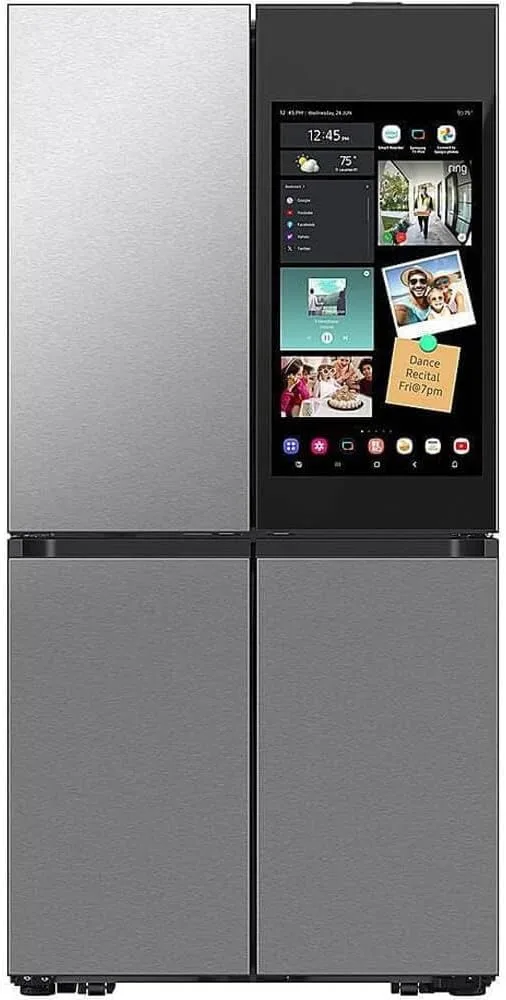
Samsung Bespoke Family Hub Refrigerator

Samsung

premium local: none Wi-Fi
Price
premium band last checked May 27, 2026
HA fit
okay
Works offline
no
Setup
easy
Hub needed
no

Affiliate link - I may earn a commission at no extra cost to you. As an Amazon Associate I earn from qualifying purchases; some links go to other retailers with the same arrangement.

Samsung Bespoke Family Hub refrigerator with SmartThings

Quick verdict

The Family Hub is a capable (expensive) fridge, and its Home Assistant support through the official SmartThings integration is convenient for door alerts, temperature, and filter status. But it is cloud-only: everything routes through Samsung's SmartThings servers, needs a Samsung account, and stops when the internet does. Local control is off the table.

Standout: Family Hub fridge with an official but fully cloud-based SmartThings path into Home Assistant.

Notes last checked May 27, 2026.
Compatibility snapshot

Home Assistant okayFunctional but cloud-dependent for core features; the integration leans on the vendor cloud.
Apple Home noneNo official support on this platform.
Google Home goodWell supported, with only minor gaps.
Alexa goodWell supported, with only minor gaps.
Works offline partly / no
Setup easy
Extra hub needed no
Power hardwired

Local control facts

  • Home Assistant: smartthings integration, Cloud Push, Bronze on the quality scale (home-assistant.io, checked Sep 10, 2026)

Why it stands out

  • Official SmartThings integration in Home Assistant - clean setup with no custom component
  • Exposes useful sensors: door-open alerts, temperature, and water-filter status for automations
  • Family Hub touchscreen, cameras, and food management for people who want that

Reasons to hesitate

  • Cloud-only: the fridge itself never talks to Home Assistant locally, only via SmartThings
  • Requires a Samsung account and a working internet connection
  • Large touchscreen appliances have a long software-support tail and limited local fallback

Best for

  • SmartThings households wanting fridge door alerts and temperature in Home Assistant
  • People who already want the Family Hub features regardless of HA

Avoid if

  • You want local control or offline operation
  • You would rather not run a Samsung-account-tied cloud dependency

Privacy and local-control notes

Samsung appliances connect to Home Assistant through the SmartThings cloud, not locally. State changes arrive via SmartThings Cloud Push, so a Samsung account and internet are required and nothing works offline.

Home Assistant support: supported · integration path: SmartThings (official HA integration, cloud OAuth / Cloud Push through Samsung's servers).

Buying reality check

Price notes: Samsung Bespoke Family Hub line. The owner's unit shows in the HA registry under a SmartThings device id (TP2X_REF...) rather than a consumer model number, so the exact sub-model is unconfirmed - named by series here. Sold via Samsung and major retailers; no affiliate link listed.

Compare side by side: see appliance comparisons →

What changed for this product

  1. · Integration

    SmartThings API access becomes paid from October 2026

    The Home Assistant SmartThings integration docs note that SmartThings API access becomes paid from October 2026. Anything on this site that reaches Home Assistant through SmartThings, the Aeotec hub and the Samsung appliances among them, is affected. Verified against the integration page on 2026-09-06.

From the change log and the news briefs that name this product.

Buying guide for this category

No buying guide for smart appliances yet. The compare table lines up every appliance in the catalog on the same columns, which is the next best thing.

Compare smart appliances →

Related appliance products

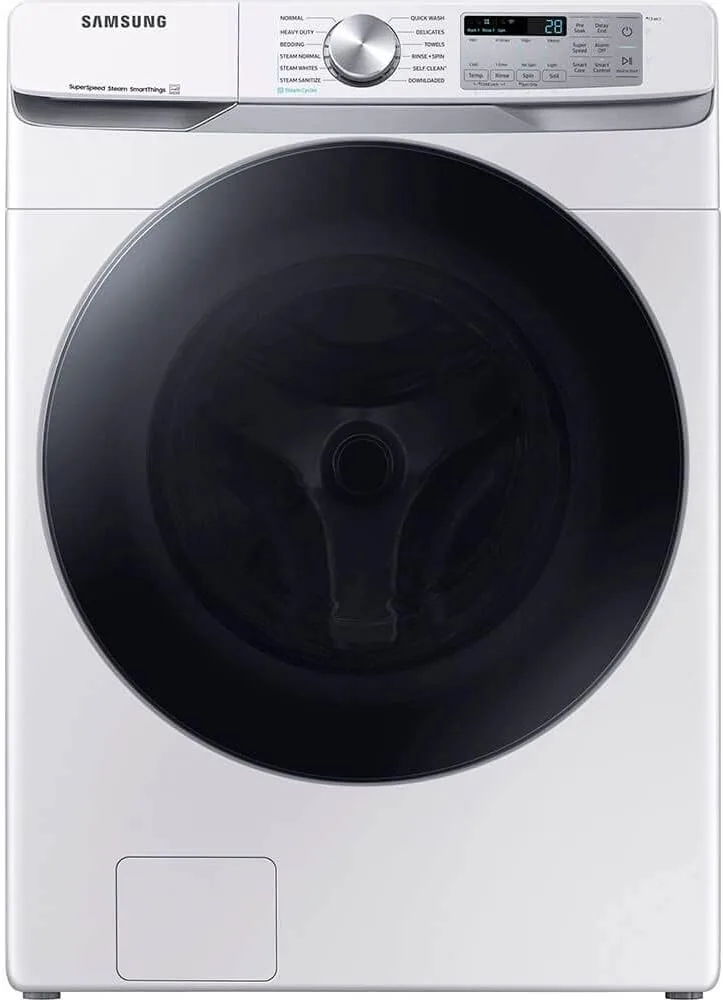
Samsung front-load washer with SmartThings connectivity

Samsung Smart Washer (SmartThings)

mid

Samsung

HA: okay local: none
Product notes →
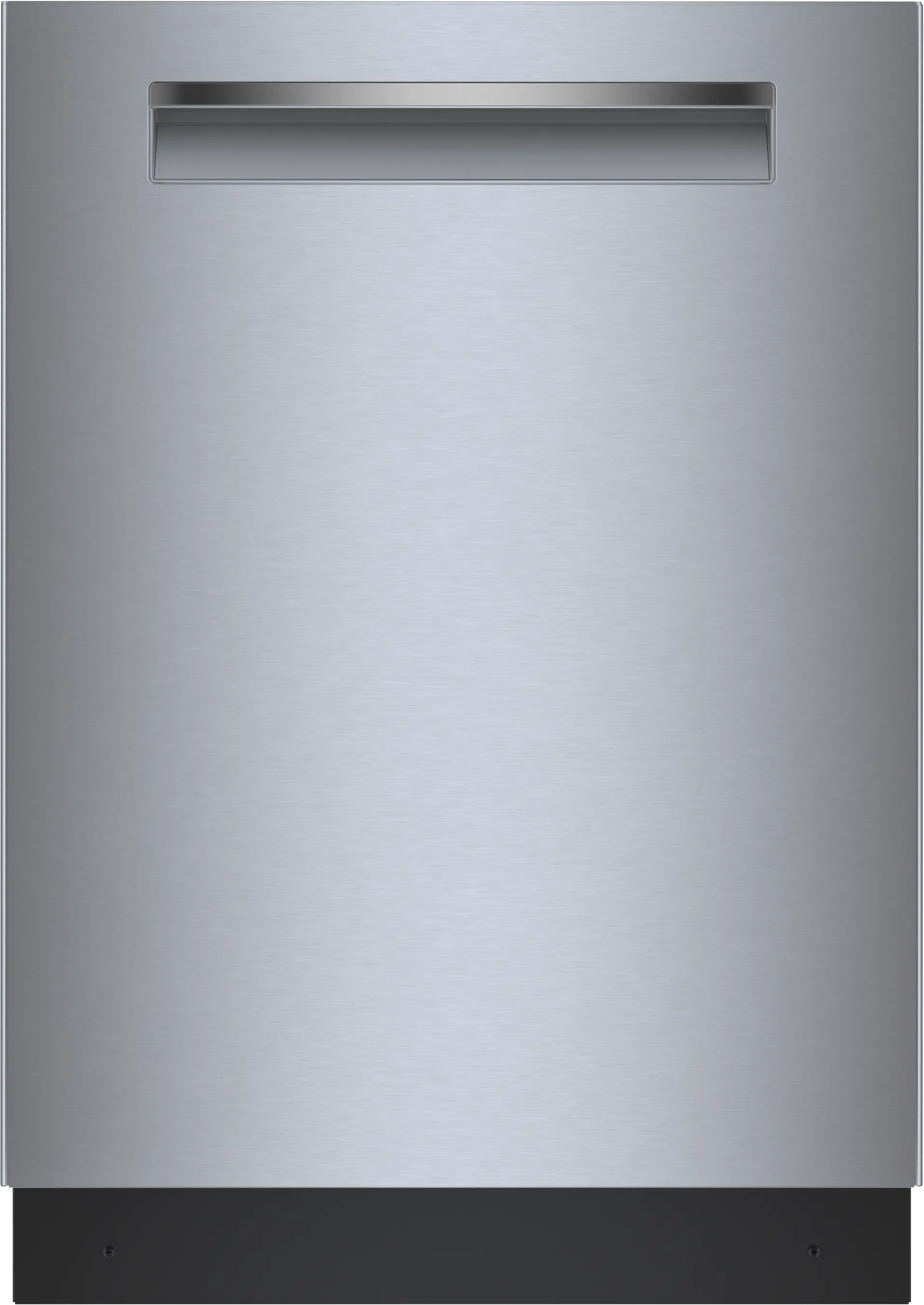
Bosch 500 Series SHP65CM5N dishwasher with Home Connect

Bosch 500 Series Dishwasher (SHP65CM5N)

premium

Bosch

Discontinued HA: okay local: none
Product notes →
New guides and product notes, no inbox required. Follow via RSS →