Amazon links are affiliate links: as an Amazon Associate I earn from qualifying purchases, at no extra cost to you. Links to makers' own stores and other retailers are plain links that earn me nothing.
Quick verdict
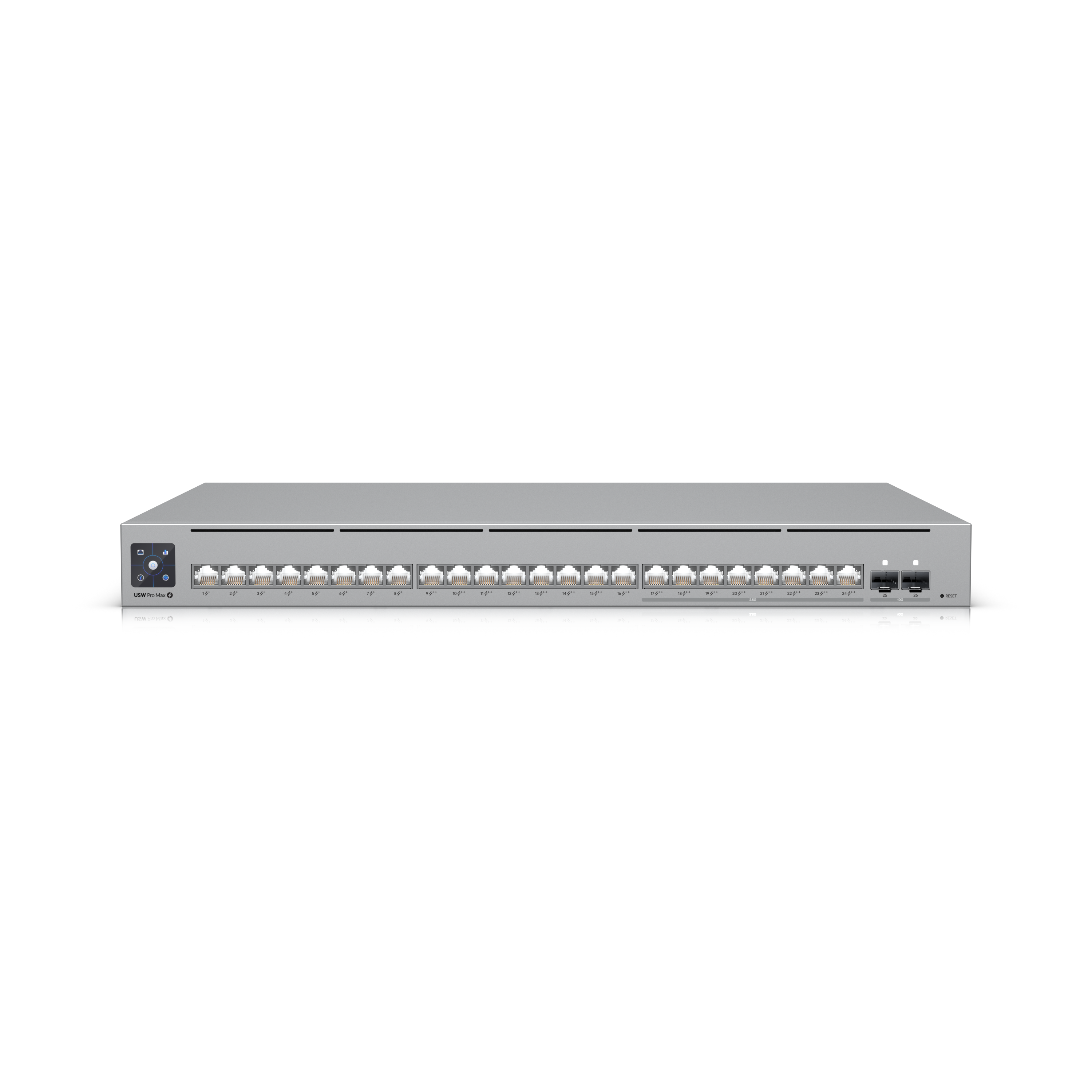
The UniFi Switch Pro Max 24 PoE is a 24-port Etherlighting switch mixing gigabit and 2.5GbE PoE ports with 10G SFP+ uplinks. In Home Assistant this surfaces through the local UniFi Network integration as a monitored network device plus client device_tracker entities for presence detection. It is not monitoring-only either: the same integration exposes switches for WLANs, port forwarding, traffic rules, zone-based firewall policies and PoE ports, so Home Assistant can act on the network rather than just watch it.
Notes last checked May 25, 2026.
Compatibility snapshot
Home AssistantgoodReliable local integration with minor caveats (a hub, manual config, or polling). Core function works locally.
Apple HomenoneNo official support on this platform.
Google HomenoneNo official support on this platform.
AlexanoneNo official support on this platform.
Works offlineyes
Setupmoderate
Extra hub neededyes
Powerhardwired
Local control facts
Home Assistant: unifi integration, Local Push, Silver on the quality scale (home-assistant.io, checked Oct 10, 2026)
Layer-3-capable Etherlighting switch with full per-port telemetry in UniFi Network
Surfaces in Home Assistant via the local UniFi Network integration as a monitored device with PoE/port and client data
Reasons to hesitate
Port and PoE switch entities are disabled by default in Home Assistant, so you have to enable them before you can toggle a port
Needs a UniFi OS controller (UDM/Cloud Key) for the HA integration to read it
Best for
UniFi households wanting wired clients tracked locally in Home Assistant
Anyone who needs PoE for cameras, APs, or sensors with local HA monitoring
Avoid if
You do not run a UniFi controller
You expect to control individual ports from Home Assistant's dashboard
Privacy and local-control notes
The UniFi Network integration talks to your local UniFi OS controller over the LAN using a local-only account (Ubiquiti SSO cloud login is not supported). Device and client data, including presence detection, stays on your network.
Home Assistant support: supported · integration path: UniFi Network (local push over websocket from the UniFi OS controller; local user required).
Buying reality check
Price notes: Model USW-Pro-Max-24-PoE. Sold via the UniFi store; no recurring fees.
Verified price reads: lowest seen $861, latest $861 on Oct 13, 2026.
No buying guide for networking gear yet. The compare table lines up every networking gear in the catalog on the same columns, which is the next best thing.
The best PoE cameras for Home Assistant: local RTSP/ONVIF picks from Reolink and Amcrest, UniFi Protect for pro setups, and when Wi-Fi is the better call.