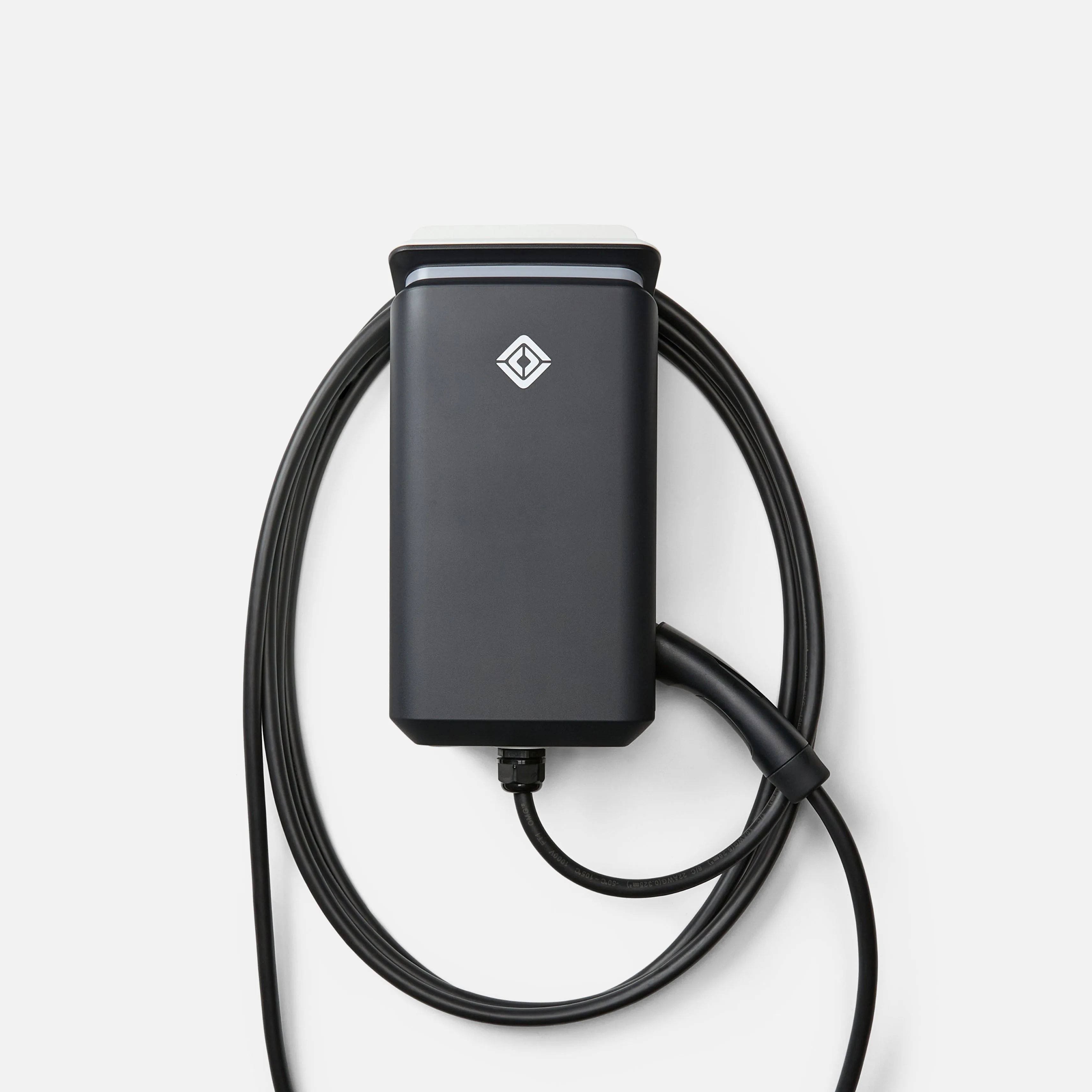
The Rivian Wall Charger is a good-looking, capable 48A charger for Rivian owners, but it is a poor local-first pick: there is no Home Assistant integration for the charger itself. The unofficial Rivian HACS integration does give the charger a device of its own with read-only amperage, power and voltage sensors, but every reading travels through Rivian's cloud account API rather than your LAN. Rate it cloud-only and Rivian-locked.
Standout: A clean, Rivian-matched 48A Level 2 charger - but its Home Assistant story is weak and cloud-only.
Notes last checked Aug 19, 2026.
Compatibility snapshot
Home AssistantpoorCloud-only or bridge-locked. "Works with HA" in name only, with no meaningful local control.
Apple HomenoneNo official support on this platform.
Google HomenoneNo official support on this platform.
AlexanoneNo official support on this platform.
Works offlinepartly / no
Setupadvanced
Extra hub neededno
Powerhardwired
Why it stands out
Solid 48A (11.5kW) hardwired Level 2 charger that pairs cleanly with Rivian R1T/R1S
Good build quality and a tidy app experience within Rivian's own ecosystem
The unofficial Rivian HACS integration surfaces the charger's own amperage, power and voltage - real EVSE telemetry, though it arrives by way of Rivian's cloud
Reasons to hesitate
No official integration and no local API - the charger's readings reach Home Assistant only through a Rivian cloud account
All Home Assistant visibility is unofficial (HACS) and fully cloud-dependent; the charger exposes no local endpoint to poll
Not a local-first device; effectively a closed, Rivian-only ecosystem charger
Best for
Rivian owners who want a matched, attractive 48A home charger and are fine with app-only control
Avoid if
You want local, vendor-neutral energy monitoring and charge control in Home Assistant
You do not own a Rivian
Privacy and local-control notes
There is no official Home Assistant integration and no local API. The unofficial Rivian (HACS) integration authenticates to Rivian's cloud account API and does expose the wall charger as a device of its own, with 7 read-only sensors: charging status, amperage, power, voltage and a maximum for each. Nothing is read from the charger over your LAN - every value travels through Rivian's cloud, and the charger's own controls are not exposed at all (the integration's charge-limit and amperage controls act on the vehicle).
Home Assistant support: not currently recommended · integration path: No official integration; the unofficial Rivian (HACS) integration adds the wall charger as its own device with 7 cloud-backed read-only sensors.
Buying reality check
Price notes: Sold directly by Rivian (rivian.com). No Amazon ASIN used to avoid third-party listings.