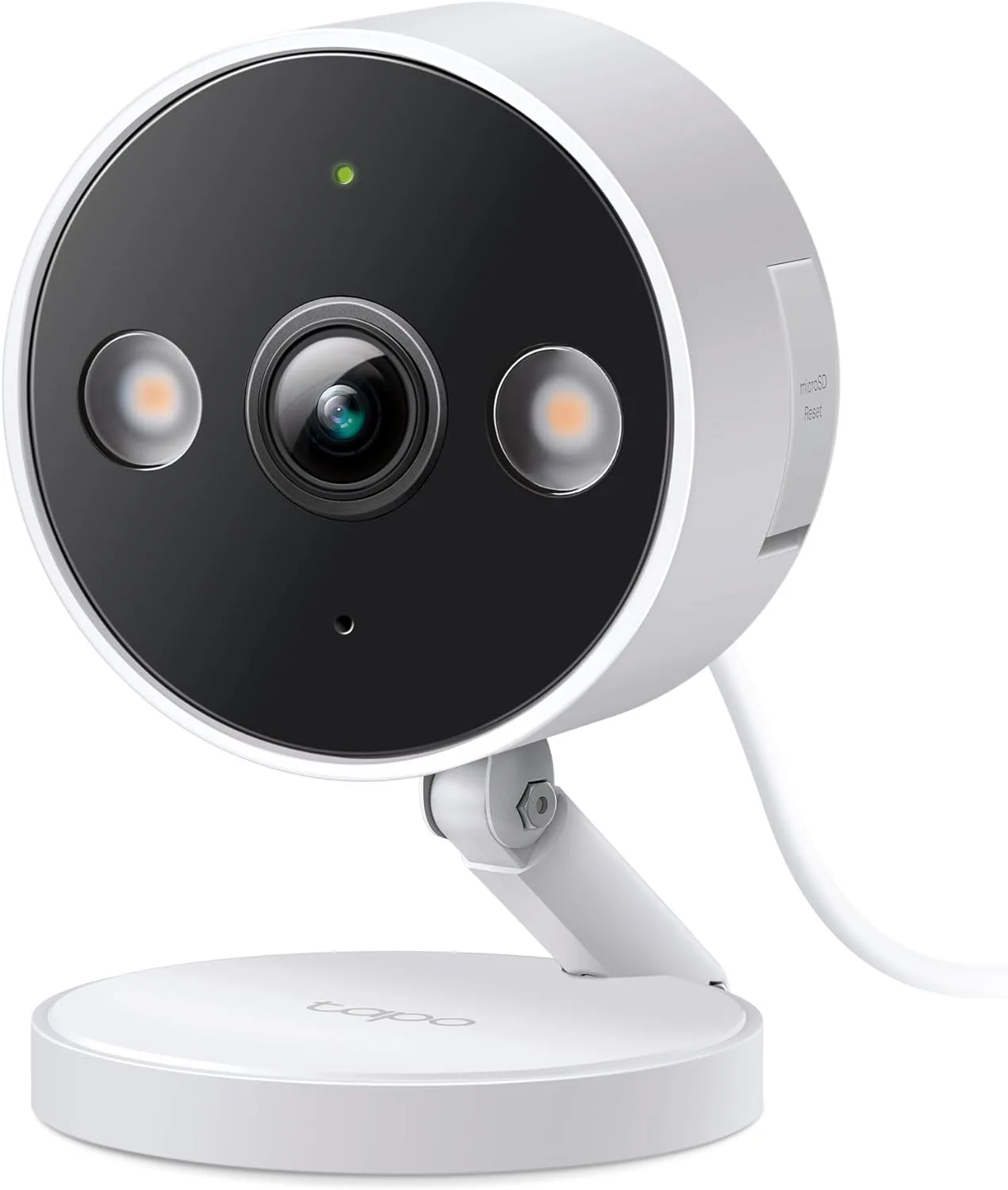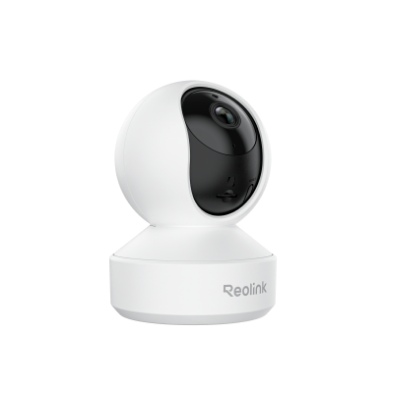
camera

Reolink E1 Pro

Reolink

budget local: goodLocal control for everyday use; a few features may still touch the cloud. Wi-FiRTSPONVIF
Price
budget band last checked Sep 6, 2026
HA fit
good
Works offline
yes
Setup
moderate
Hub needed
no

Affiliate link - I may earn a commission at no extra cost to you. As an Amazon Associate I earn from qualifying purchases; some links go to other retailers with the same arrangement.

Quick verdict

The E1 Pro is the indoor camera I would point a Home Assistant user at when the requirement is that it streams locally: RTSP and ONVIF are on the camera, it records to microSD, it is on the Reolink integration's tested list, and Reolink's docs say it keeps working with internet access blocked. The pan-tilt head, 5MP sensor, IR night vision and two-way audio cover what a nursery or pet camera needs. Two things to do before trusting it. On current app firmware RTSP and ONVIF are switched off by default and have to be enabled under Server Settings, and one open Home Assistant issue shows a mid-2025 firmware reporting the RTSP state wrongly so the Reolink integration refused the camera while ONVIF still worked. Keep ONVIF or a generic RTSP stream as the fallback. I haven't run this one; the notes come from the spec sheet, the Home Assistant integration docs and what other owners report.

Standout: An indoor pan-tilt camera that streams locally over RTSP and ONVIF and is on Home Assistant's tested list for the Reolink integration, which rules out most of the indoor cameras sold next to it.

Notes last checked Sep 6, 2026.
Compatibility snapshot

Home Assistant goodReliable local integration with minor caveats (a hub, manual config, or polling). Core function works locally.
Apple Home noneNo official support on this platform.
Google Home okayWorks, but with limits or extra setup.
Alexa okayWorks, but with limits or extra setup.
Works offline yes
Setup moderate
Extra hub needed no
Power plug-in

Local control facts

  • Home Assistant: reolink integration, Local Push, Platinum on the quality scale (home-assistant.io, checked Sep 10, 2026)

Why it stands out

  • 5MP (2880 by 1616) with 355 degree pan and 50 degree tilt, IR night vision to about 12 m and two-way audio
  • RTSP and ONVIF on the camera itself, so Home Assistant, Frigate, Blue Iris or Synology can pull the stream without any Reolink hub
  • dual-band 2.4 GHz and 5 GHz Wi-Fi, unlike the plain E1
  • local microSD recording up to 512 GB and no account needed for the Reolink integration

Reasons to hesitate

  • on Reolink app 4.59 and newer, RTSP and ONVIF are off until you enable them under Advanced Network Settings > Server Settings; the camera does nothing for Home Assistant until you do
  • an open Home Assistant issue (#147883) shows the Reolink integration rejecting an E1 Pro on hardware IPC_566SD54MP, firmware v3.1.0.4877, with RTSP enabled because the camera reported its RTSP state as null; the ONVIF integration worked as the fallback
  • Wi-Fi only, no Ethernet or PoE, so stream stability depends on your access point
  • pan-tilt, presets and audio through ONVIF depend on the client; treat anything beyond the video stream as needing a test

Best for

  • a baby monitor or pet camera that must stream to a local dashboard with the internet blocked
  • Home Assistant users who want an indoor pan-tilt camera on the Reolink integration
  • Frigate or Blue Iris setups that just need a clean RTSP sub and main stream

Avoid if

  • you want a wired camera; this is Wi-Fi only
  • you will not open the Reolink app once to turn RTSP and ONVIF on
  • you need Apple HomeKit Secure Video

Privacy and local-control notes

Records to a microSD card (up to 512 GB) and streams over RTSP and ONVIF on the LAN. Home Assistant's Reolink docs say the camera and the integration keep working with internet access blocked, which is the right setting for a nursery camera. Reolink cloud is optional.

Home Assistant support: supported · integration path: Reolink (official core integration, Local Push); the E1 Pro is on the integration's tested directly-connected list. Generic RTSP or the ONVIF integration (Local Push) also work once RTSP and ONVIF are enabled in the Reolink app..

Buying reality check

Price notes: Reolink's product page showed me no price on 2026-09-06, so I am not quoting one; it sits in the budget band alongside the other indoor pan-tilt Wi-Fi cameras. Reolink lists five hardware versions for the E1 Pro (IPC_513SD5, IPC_515SD5, two IPC_566SD54MP firmware lines and IPC_NT1NA45MP), so the unit you receive may differ from an older review.

Compare side by side: see camera comparisons →

What changed for this product

  1. · Added

    Eight recommended products finally have pages

    The guides had been recommending these by name without a product page to back them: the Shelly Plug US Gen4, the Hubitat C-8 Pro, the Zooz ZST39 and Aeotec Z-Stick 10 Pro Z-Wave sticks, the Level Bolt, the Shelly Dimmer Gen4, the SONOFF SNZB-02P and the Reolink E1 Pro. Each now has compatibility notes with dated sources. I have run none of them, and each page says so.

  2. · Firmware

    Reolink app 4.59 and later turns RTSP and ONVIF off by default

    On Reolink app versions 4.59 and later, RTSP and ONVIF are disabled until you enable them under the camera’s Server Settings. Frigate and Home Assistant need them on. If a Reolink camera that used to stream stops after an app update, this is the first thing to check.

From the change log and the news briefs that name this product.

Verified against

Spotted something wrong? Report an error on this page and I will check it against the source and fix it.

Related camera products

New guides and product notes, no inbox required. Follow via RSS →