Best Zigbee coordinators for Home Assistant
Which Zigbee coordinator to buy for Home Assistant: Connect ZBT-2 by default, SONOFF ZBDongle-P for value, SLZB-06 PoE when placement is the problem.
On this page
A lot of Zigbee pain gets blamed on devices when the real problem is the coordinator.
Pick the wrong radio, place it badly, or treat mesh design like an afterthought, and even good sensors start looking flaky.
The coordinators worth buying: the Home Assistant Connect ZBT-2 as the default for most Home Assistant users, the SONOFF Zigbee 3.0 USB Dongle Plus (ZBDongle-P) as the value enthusiast pick, and the SMLIGHT SLZB-06 (the base CC2652P model) as the networked, PoE pick for harder installs.
Quick verdict
If you want the simplest sensible recommendation, buy Home Assistant Connect ZBT-2 (the successor to the now-discontinued ZBT-1).
If you’re comfortable with a slightly more enthusiast-oriented setup and want strong value, the SONOFF Zigbee 3.0 USB Dongle Plus (ZBDongle-P) is still one of the easiest recommendations in the category. Buy the ZBDongle-P specifically - SONOFF sells several different sticks under the “Dongle Plus” name and they are not interchangeable. See the model note below before you click buy.
If your Home Assistant box lives in a rack, closet, or otherwise radio-hostile corner of the house, SMLIGHT SLZB-06 is the more interesting answer because it lets you place the coordinator where the Zigbee network actually wants it.
What a Zigbee coordinator does
The coordinator is the radio that forms and manages your Zigbee network, and a Zigbee network has exactly one of them. It chooses the channel, the PAN ID and the extended PAN ID when the network is created, sets the security mode, and holds the network encryption key that secures everything on the mesh.
Every other Zigbee device you own is one of two other things:
- Routers are the mains-powered ones: bulbs, plugs, in-wall relays. They relay traffic for other nodes, they never sleep, and they are what lets a new device join out at the edges of the house. Your real coverage comes from these, not from the coordinator.
- End devices are the battery ones: door contacts, leak sensors, buttons, most temperature sensors. They sleep to save power, they do not relay anything for anybody, and every message they send or receive passes through a single parent router. Adding more battery sensors never extends your range. Adding mains-powered routers does.
Two consequences follow from that, and they are the ones buyers trip over.
You cannot run two coordinators on one network. The spec does not allow it, so a second stick forms a second, entirely separate mesh with its own key and its own routes. In Home Assistant this bites at the integration level too: ZHA accepts only one coordinator, so running two radios means Zigbee2MQTT (one instance per coordinator, each with its own MQTT base topic) or deCONZ.
The coordinator is the one piece you cannot casually swap. The network’s identity - PAN ID, extended PAN ID, channel, encryption key - lives on the stick rather than in Home Assistant. Restore that backup onto a replacement and it impersonates the old coordinator: your devices rejoin on their own and their entity IDs survive. Mains-powered routers come back fastest, while sleepy battery devices can take an hour or more to check in, which is normal rather than a failed restore. Without a backup you are re-pairing every device by hand. Worth knowing before you buy: Zigbee2MQTT implements adapter backup and restore for the zstack and ember adapters only, and surviving a coordinator failure walks through the restore.
So the coordinator decides how joins and routing behave, how much setup drama you take on, how cleanly Home Assistant talks to it, how far the network scales past a handful of devices, and - because the radio has to physically live somewhere - how much placement is going to fight you. A great coordinator won’t rescue a terrible mesh by itself, but a weak choice can absolutely make everything else worse.
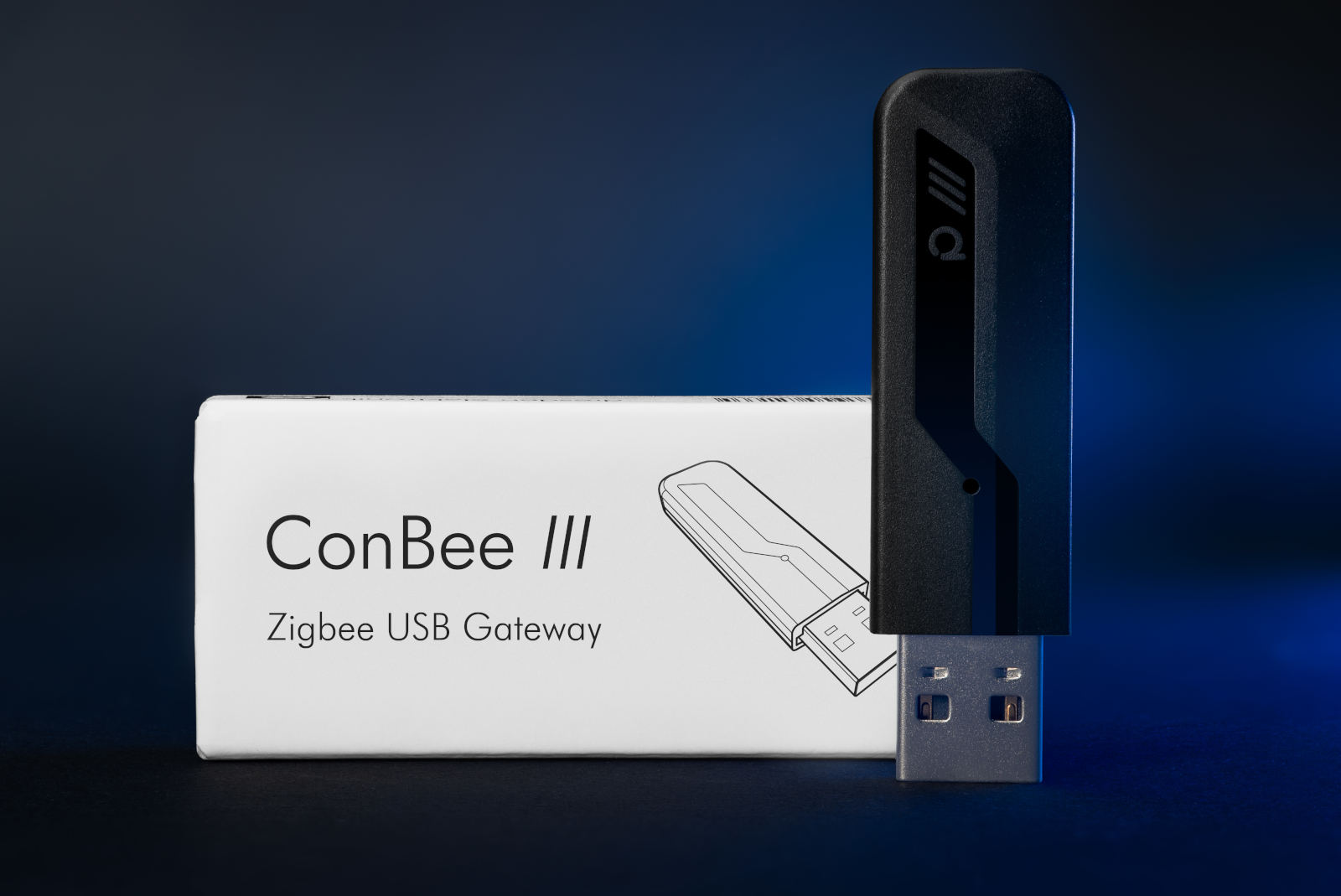
Best default pick: Home Assistant Connect ZBT-2
This is the coordinator I would hand to most beginners first.
Why it stands out:
- excellent Home Assistant support
- easy default setup story
- a cleaner first-party path than many community-favorite dongles
The important caveat: it’s still a radio, not magic. Use a USB extension, keep it away from noisy USB 3 gear, and don’t expect one badly placed dongle to dominate a large house. If the radio is sited well and devices are still flaky, the next lever to reach for is which Zigbee channel to use - a coordinator left on the default channel 11 is sitting underneath Wi-Fi channel 1.
One practical note as of September 2026: the ZBT-2 has been hard to actually buy. Its Amazon listing read as unavailable on three checks between 2026-08-31 and 2026-09-06, and on the last of those both US direct sellers I checked were dry too - CloudFree sold out, ameriDroid out of stock, each listing $48.95. Nothing about that suggests an end of life; the Home Assistant product page carries no discontinued notice. But if you need a coordinator this week rather than next month, the ZBDongle-P below is in stock and costs about $20 bought direct from SONOFF. Check which channel you are buying from before you count the saving, though: the Amazon buy box for that stick has run at roughly double the direct price. The trade is Thread: the ZBT-2 can run a Thread network instead of a Zigbee one, and the ZBDongle-P cannot.
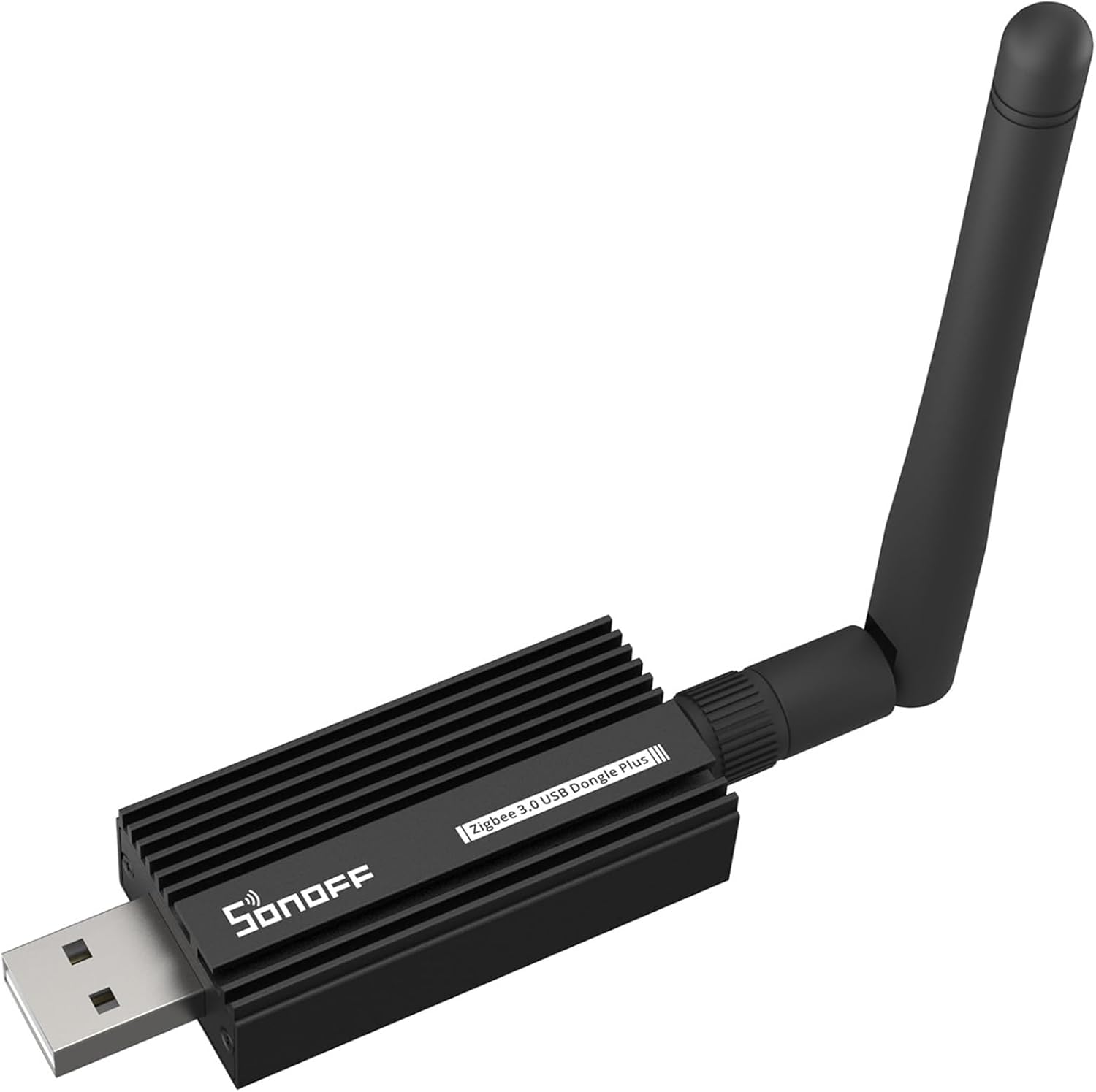
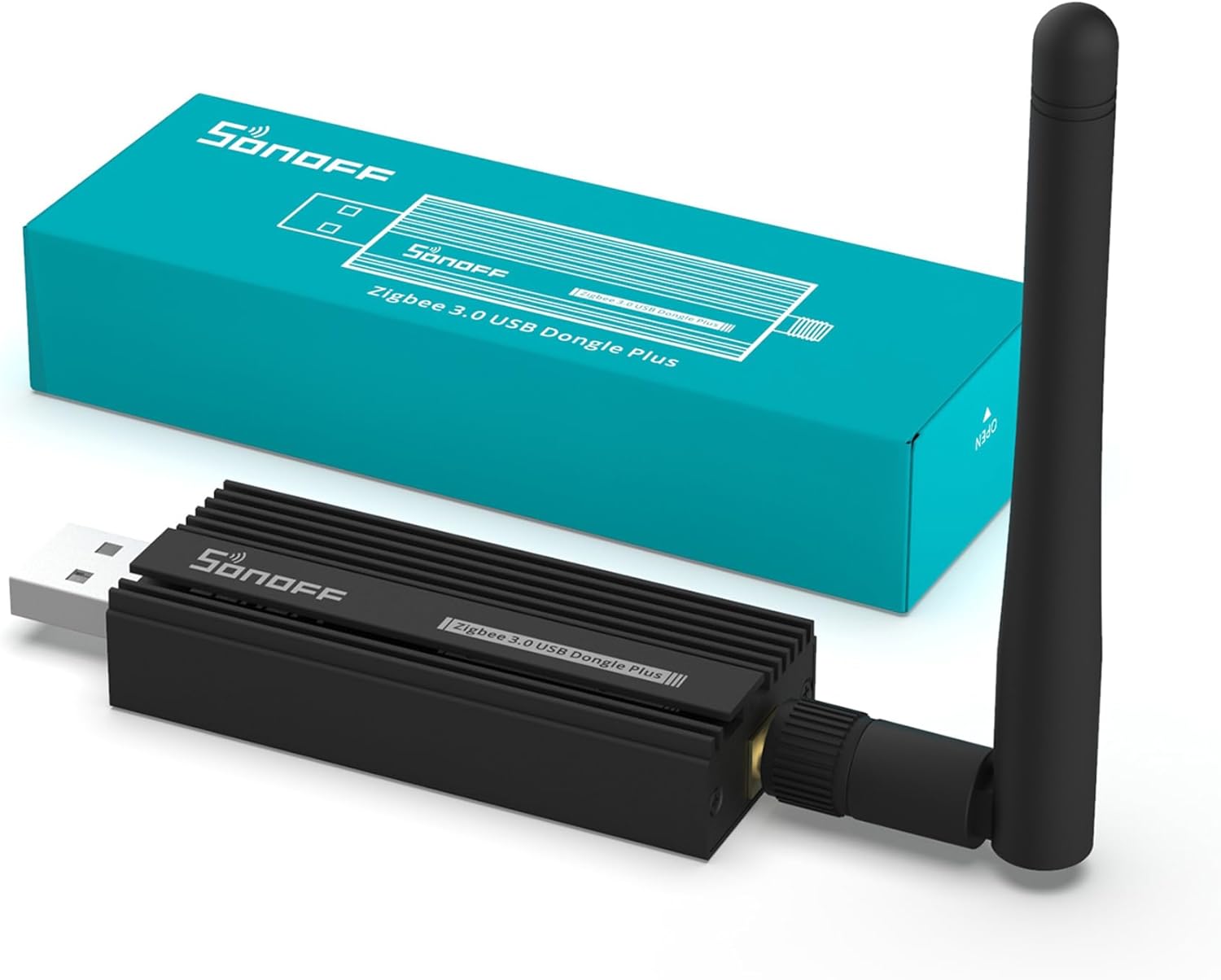
Best value enthusiast pick: SONOFF Zigbee 3.0 USB Dongle Plus (ZBDongle-P)
I haven’t run the SONOFF stick myself; the pick rests on the spec sheet and the long community record behind it.
What it has going for it:
- great value
- strong support in both ZHA and Zigbee2MQTT
- huge amount of community knowledge around it
Which one to buy. The downside of this family is that SONOFF puts the words “Zigbee 3.0 USB Dongle Plus” on more than one product, and they run different radios:
- ZBDongle-P - Texas Instruments CC2652P. This is the one meant above, and the one with the deepest pool of community knowledge behind it.
- ZBDongle-E - Silicon Labs EFR32MG21. A different stick, not a revision of the P. It is a perfectly good coordinator, but guides and firmware instructions written for the P do not all transfer to it.
- Dongle Plus MG24 - Silicon Labs EFR32MG24, SONOFF’s newer upgrade of the E line, with more flash and RAM than the EFR32MG21.
The practical point is that flashing tools and firmware are tied to the chip, not to the brand: a CC2652P and an EFR32 do not take the same firmware. Check the exact model name on the listing before you buy, and note which chip you ended up with.
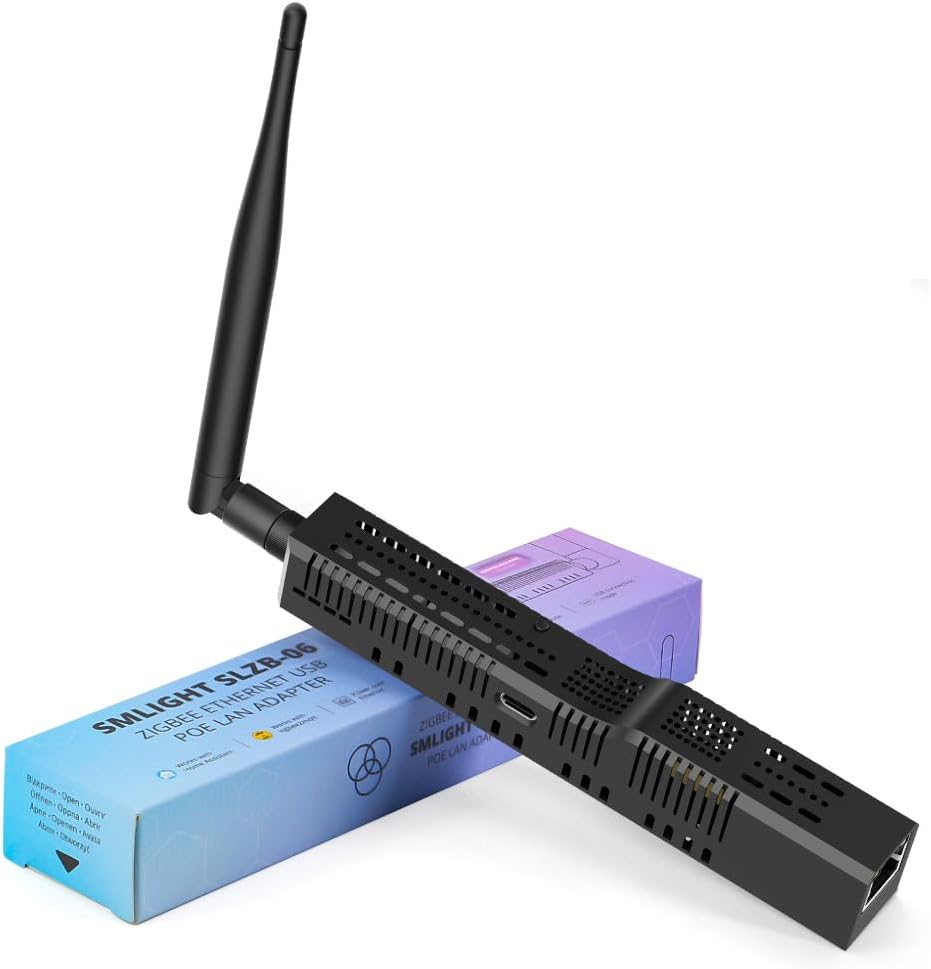
Best PoE / networked pick: SMLIGHT SLZB-06
This is where the advice gets more infrastructure-minded.
SMLIGHT becomes compelling when your Home Assistant server isn’t sitting in a great radio location.
The same model-name caution applies here. “SLZB-06” is a family name rather than a single SKU: the base SLZB-06 runs a Texas Instruments CC2652P, the SLZB-06M a Silicon Labs EFR32MG21, and there are further P7 (CC2652P7), P10 (CC2674P10) and MG24 / MG26 variants. What they do not differ on is Thread. SMLIGHT’s own model overview lists every SLZB-06 as usable as a Zigbee coordinator, a Zigbee router, or an OpenThread Border Router, so Thread capability is not the thing that separates the variants - radio generation, Thread version and antenna are. Like any single-radio coordinator it does one of those jobs at a time; running Zigbee and Thread at once takes a second radio, or SMLIGHT’s dual-radio SLZB-MR series. Whether you need the Thread half at all is a separate decision, and Matter vs Thread covers when each one is worth buying into. One naming note before you buy: SMLIGHT now fronts this line as the SLZB-06xU series (SLZB-06U, SLZB-06P7U, SLZB-06MU and so on), which keeps the same body and adds a faster ESP32-S3 host plus USB-device passthrough over the network. Listings still use both names, so confirm the chip rather than trusting the model string.
Why it makes sense:
- ethernet and PoE placement flexibility
- strong fit for larger homes
- easier to put the Zigbee radio near the center of the house instead of next to your noisy compute gear
This isn’t the pick I would give every beginner, but it’s the one I would seriously consider for people who already know their server placement is the problem.
Coordinator buying mistakes to avoid
Avoid these traps:
- plugging the coordinator directly into a noisy USB 3 port without an extension cable
- assuming a coordinator upgrade will fix congestion that is really Zigbee and WiFi sharing the 2.4 GHz band
- treating coordinator choice as more important than building a healthy mesh with powered routers
- buying based on random marketplace listings without verifying which model and chip you’re getting (see the model notes above - “Dongle Plus” and “SLZB-06” are both family names covering different radios)
- putting the coordinator in a rack, cabinet, or networking closet and then acting surprised when the mesh struggles
Whichever you buy, place it well; that matters more than the choice between the three. A handful of mains-powered devices does more for coverage than any radio upgrade, which is why the best Zigbee plugs for Home Assistant double as the cheapest routers you can add to a mesh.
If you are adding Zigbee for the first time and worried it means new networking gear, it does not: how to add Zigbee without replacing your router covers the USB-coordinator route.